
Meta Description
Learn why white spots on mobile screens appear, how to fix them, prevent future damage, and determine when professional repair is necessary.
Introduction
Have you noticed a bright white patch or small white dots on your smartphone display? If so, you’re not alone. Many smartphone users experience white spots on the mobile screen at some point. These spots can be frustrating because they affect display quality, make content harder to view, and may indicate an underlying hardware problem.
In some cases, the white spot is barely noticeable. In others, it grows larger over time and becomes impossible to ignore. Understanding the cause is the first step toward finding the right solution.
This comprehensive guide explains everything you need to know about white spots on mobile screens, including common causes, troubleshooting methods, repair options, prevention tips, and when it’s time to seek professional help.
What Are White Spots on a Mobile Screen?
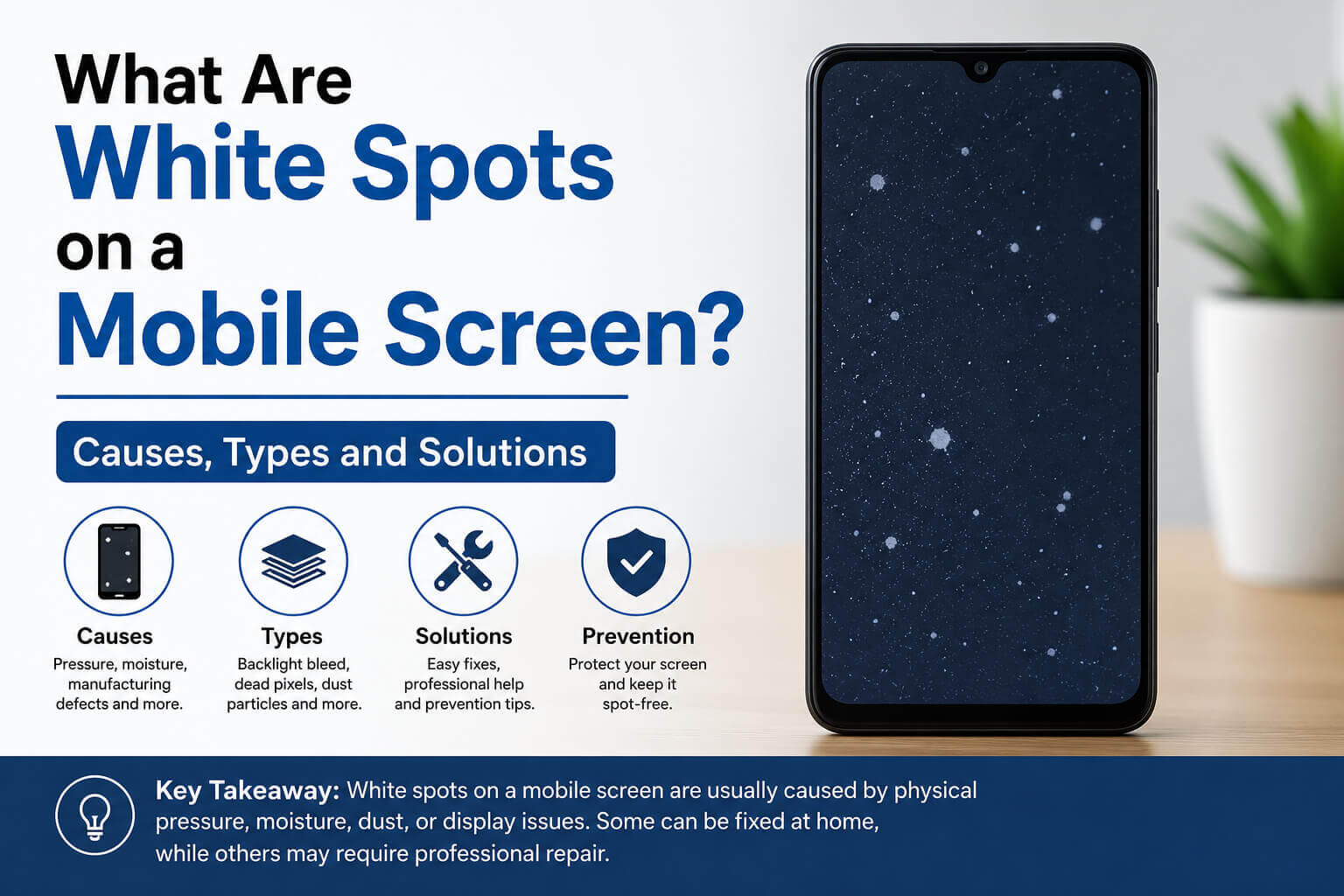
A white spot on a mobile screen is a bright area that remains visible regardless of the image being displayed. It often appears as:
- A small white dot
- A bright circular patch
- A glowing area on the display
- Uneven screen brightness
- Light bleeding through a specific section
These spots are most noticeable when viewing dark backgrounds.
Unlike dead pixels, which appear black or colored, white spots usually indicate pressure damage, display layer separation, or backlight issues.
Why Do White Spots on the Mobile Screen Appear?
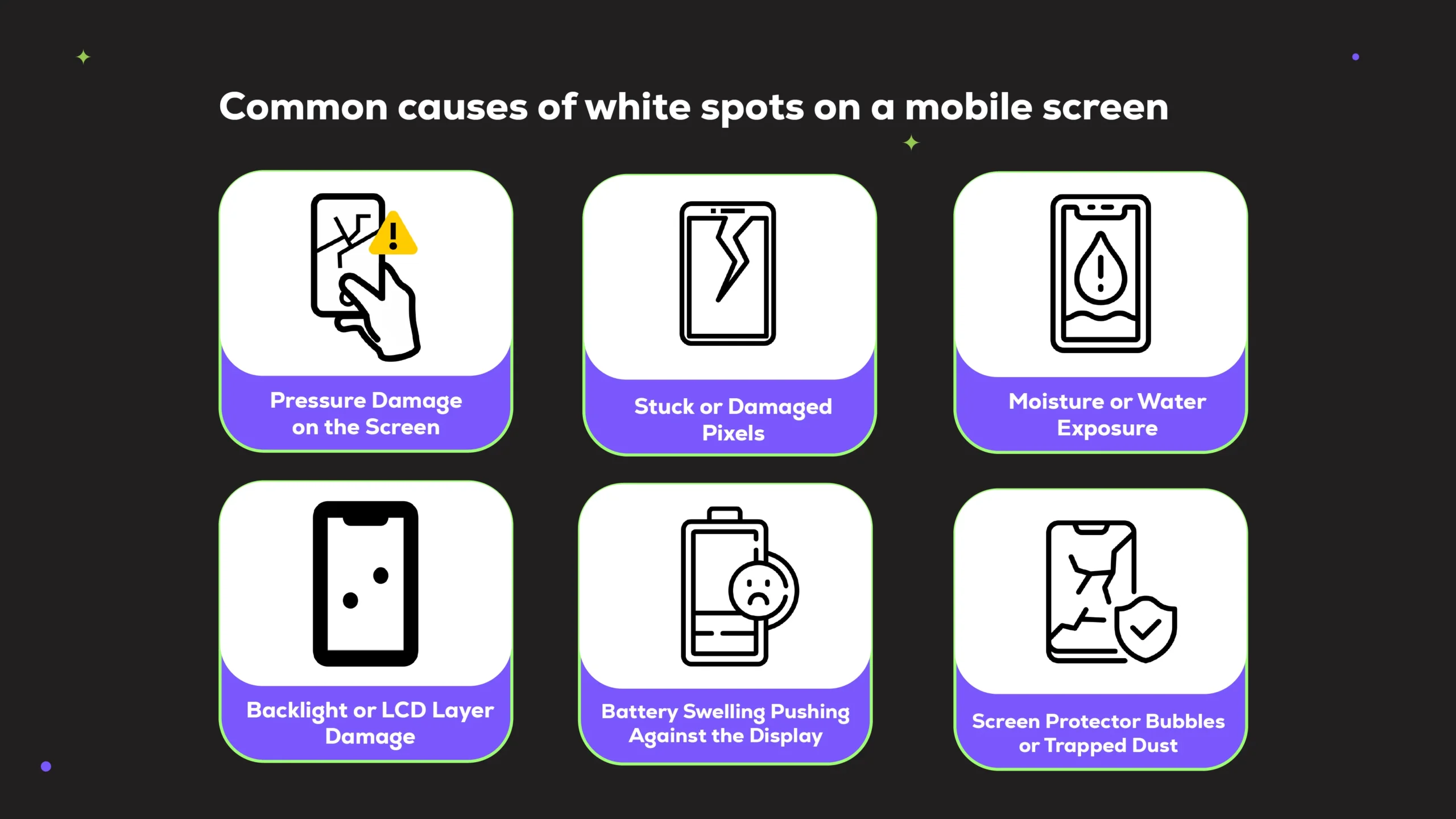
Several factors can cause white spots to develop on a smartphone display.
1. Pressure Damage
One of the most common causes is excessive pressure on the screen.
Examples include:
- Sitting on the phone
- Keeping the phone in a tight pocket
- Dropping heavy objects on the device
- Accidentally pressing the screen too hard
Pressure can damage the LCD layers underneath the glass, resulting in visible white spots.
Signs of Pressure Damage
- The white spot appears suddenly
- Spot remains in the same location
- No cracks visible on the glass
- Touch functionality may still work normally
2. LCD Display Issues
LCD screens contain multiple layers working together to create images.
When one layer becomes damaged or misaligned, a bright white area may appear.
Common LCD-related causes include:
- Manufacturing defects
- Internal component failure
- Aging display panels
- Physical impact damage
Many budget smartphones are more susceptible to LCD-related display issues due to lower-quality panel construction.
3. Battery Swelling
A swollen battery can push against the back of the display.
As the battery expands, pressure is applied to the screen from behind, creating white spots.
Warning Signs of Battery Swelling
- The white spot grows over time
- The screen begins lifting from the frame
- Phone overheats
- The battery drains quickly
- Back cover bulges outward
If battery swelling is suspected, stop using the phone immediately and seek professional repair.
4. Backlight Problems
Modern displays rely on backlighting to illuminate images.
When backlight components become uneven or damaged, bright spots may appear.
Backlight issues often result from:
- Manufacturing defects
- Heat exposure
- Internal component wear
- Water damage
5. Water or Moisture Damage
Even water-resistant phones can suffer display damage if moisture enters the device.
Water can affect:
- LCD layers
- Display connectors
- Backlight systems
- Internal circuits
A white spot appearing after water exposure often indicates internal display damage.
6. Manufacturing Defects
Occasionally, a phone develops white spots due to factory defects.
This may happen because of:
- Poor adhesive application
- Improper display assembly
- Faulty LCD panels
- Quality control issues
If the phone is under warranty, the manufacturer may replace the display free of charge.
Types of White Spots on Mobile Screen
Not all white spots look the same.
Bright Circular Spot
Usually caused by pressure damage or battery expansion.
Multiple Small White Dots
Often linked to pixel-related issues or manufacturing defects.
Large Glowing Patch
Commonly associated with LCD layer damage.
White Area Near Edges
May indicate screen pressure, adhesive failure, or backlight bleeding.
White Spots vs Dead Pixels
Many users confuse white spots with dead pixels.
Here are the differences:
| Feature | White Spot | Dead Pixel |
|---|---|---|
| Appearance | Bright patch | Tiny black dot |
| Size | Larger area | Single pixel |
| Cause | Pressure or LCD issue | Pixel failure |
| Repairability | Sometimes repairable | Often permanent |
| Visibility | Easy to notice | Small but noticeable |
Understanding the difference helps determine the correct repair approach.
How to Diagnose White Spots on a Mobile Screen
Before attempting repairs, identify the source of the problem.
Step 1: Use a Dark Background
Set your wallpaper to black.
White spots become more visible against dark backgrounds.
Step 2: Check for Physical Damage
Look for:
- Cracks
- Screen lifting
- Frame bending
- Signs of impact
Step 3: Test Brightness Levels
Adjust screen brightness.
If the white spot becomes more obvious at higher brightness levels, the issue is likely hardware-related.
Step 4: Restart the Device
Occasionally, software glitches may affect display rendering.
A restart can rule out temporary issues.
Step 5: Run Display Diagnostics
Many manufacturers include display testing tools.
Examples:
- Samsung diagnostic menu
- Xiaomi hardware tests
- OnePlus diagnostic tools
These tests help identify screen abnormalities.
Can Software Cause White Spots on a Mobile Screen?
In most cases, no.
White spots are generally hardware-related.
However, software issues can sometimes mimic display problems through:
- Display driver bugs
- Graphic rendering glitches
- Screen calibration errors
Try the following:
- Restart the phone
- Update software
- Reset display settings
- Boot into safe mode
If the spot remains visible, hardware damage is likely responsible.
How to Fix White Spots on a Mobile Screen
The best solution depends on the underlying cause.
Method 1: Restart Your Device
A simple restart may eliminate temporary display glitches.
Steps:
- Power off the phone.
- Wait 30 seconds.
- Restart the device.
If the white spot remains, continue troubleshooting.
Method 2: Update System Software
Manufacturers regularly release bug fixes.
To update:
- Open Settings.
- Tap Software Update.
- Check for updates.
- Install available updates.
Although software rarely causes white spots, updating is still recommended.
Method 3: Remove External Pressure
If pressure caused the issue, preventing further stress may stop it from worsening.
Avoid:
- Tight pockets
- Heavy objects
- Excessive bending
- Phone compression
Unfortunately, existing pressure damage usually does not disappear completely.
Method 4: Check Battery Condition
Inspect the device for swelling.
Signs include:
- Raised screen
- Bulging back cover
- Uneven frame gaps
If swelling exists:
- Stop charging immediately.
- Power off the phone.
- Seek professional battery replacement.
Method 5: Replace the Display
For permanent LCD damage, screen replacement is often the only reliable fix.
A replacement typically resolves:
- Pressure spots
- LCD layer damage
- Backlight defects
- Internal display failures
DIY Fixes: Do They Work?
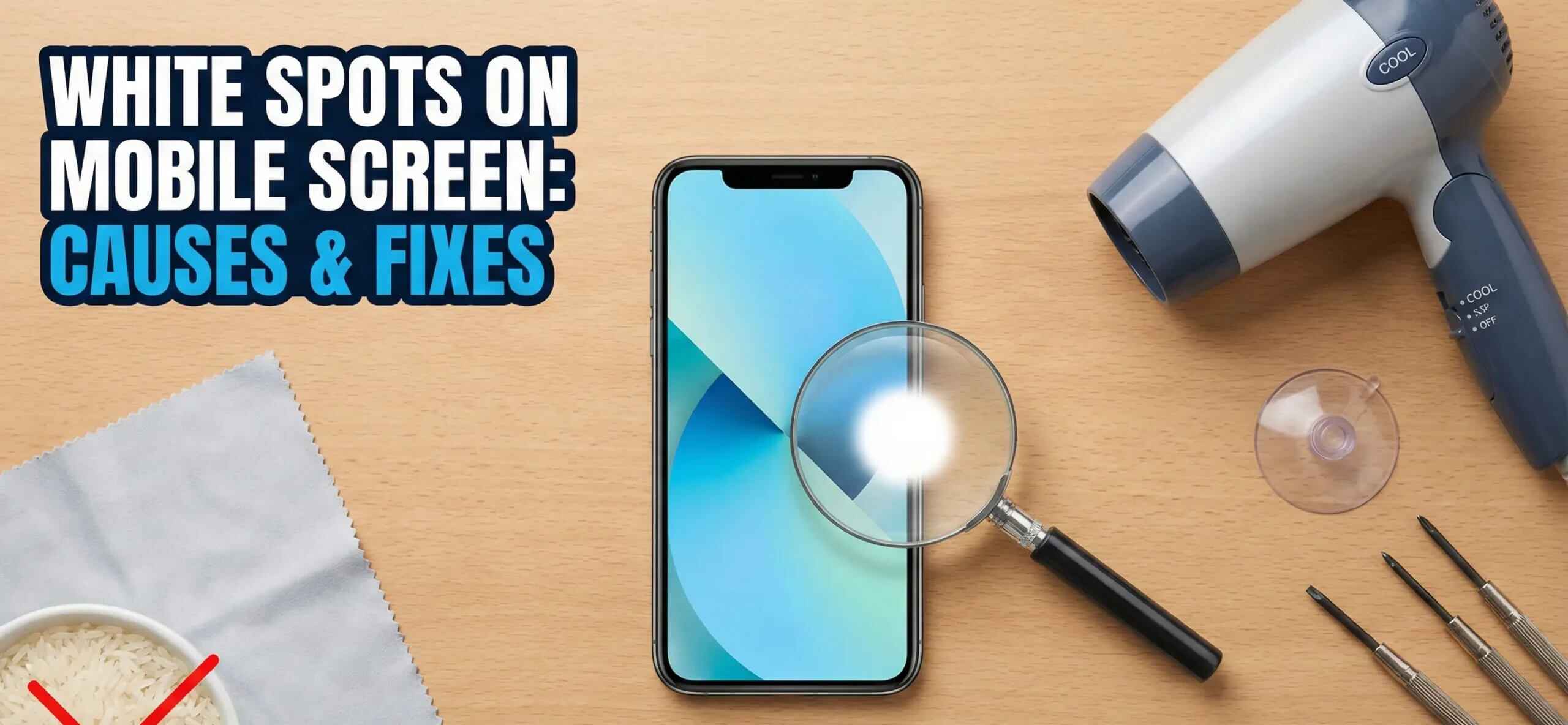
You may find online videos claiming to fix white spots by:
- Pressing the screen
- Heating the display
- Using suction tools
- Running pixel repair apps
Most of these methods offer little success and may worsen the damage.
Avoid:
- Applying excessive pressure
- Opening the device without experience
- Using heat guns
- Attempting risky repairs
Professional diagnosis is usually the safest option.
Cost of Fixing White Spots on a Mobile Screen
Repair costs vary depending on device type.
Budget Smartphones
Estimated cost:
- $20–$60
Mid-Range Phones
Estimated cost:
- $60–$150
Premium Flagship Devices
Estimated cost:
- $150–$400+
Factors affecting cost include:
- Display technology
- Screen size
- Repair provider
- Availability of parts
OLED and AMOLED displays are generally more expensive to replace than LCD panels.
White Spots on Different Display Types
LCD Screens
White spots are most common on LCDs.
Typical causes:
- Pressure damage
- Backlight issues
- Layer separation
OLED Displays
OLED screens rarely develop traditional white spots.
Instead, they may experience:
- Burn-in
- Bright pixel clusters
- Display discoloration
AMOLED Displays
AMOLED panels may show:
- Bright pixel defects
- Color abnormalities
- Display aging effects
However, large white pressure spots are less common than on LCD screens.
How to Prevent White Spots on a Mobile Screen
Prevention is easier and cheaper than repair.
Use a Quality Phone Case
A durable case helps absorb impact.
Look for:
- Shock resistance
- Raised edges
- Reinforced corners
Avoid Excessive Pressure
Never:
- Sit on your phone
- Store it in crowded pockets
- Place heavy objects on it
Protect Against Heat
Excessive heat can damage internal components.
Avoid:
- Direct sunlight
- Hot vehicles
- Overheating during charging
Handle Carefully
Simple habits can significantly extend screen life.
Examples:
- Use both hands when carrying
- Avoid dropping the device
- Store safely during travel
Replace Aging Batteries
Battery swelling is a major contributor to display damage.
If battery health declines significantly, replacement is often worthwhile.
When Should You Seek Professional Repair?
Professional repair is recommended if:
- The white spot grows larger
- Multiple spots appear
- Touch functionality fails
- Screen lifts from the frame
- Battery swelling is suspected
- Display flickering occurs
Ignoring these symptoms may lead to more expensive repairs later.
Common Myths About White Spots on Mobile Screen
Myth 1: White Spots Always Disappear
Reality: Most hardware-related spots remain until repaired.
Myth 2: Screen Protectors Cause White Spots
Reality: Screen protectors rarely create true white spots.
Myth 3: Pixel Repair Apps Fix Everything
Reality: Apps cannot repair damaged LCD layers.
Myth 4: Pressing the Spot Makes It Better
Reality: Additional pressure often worsens the problem.
Frequently Asked Questions
Are white spots on mobile screens dangerous?
The spots themselves are not dangerous, but they may indicate serious issues such as battery swelling or internal display damage.
Can white spots spread?
Yes. Pressure damage, battery expansion, or LCD deterioration can cause spots to grow over time.
Will a factory reset fix white spots?
A factory reset rarely helps because the problem is usually hardware-related.
Can water cause white spots?
Yes. Moisture damage can affect display layers and backlighting, resulting in visible white spots.
Is screen replacement the only permanent solution?
For most hardware-related white spot issues, display replacement is the most reliable long-term fix.
How long can I keep using a phone with a white spot?
If the spot is stable and touch functions work normally, the phone may remain usable. However, growing spots should be inspected promptly.
Do AMOLED screens get white spots?
AMOLED displays can develop display defects, but traditional pressure-related white spots are more common on LCD panels.
Final Thoughts
Experiencing white spots on the mobile screen can be frustrating, especially when the device appears otherwise functional. While software issues occasionally contribute to display abnormalities, most white spots result from hardware-related causes such as pressure damage, LCD failure, battery swelling, water exposure, or manufacturing defects.
The key is identifying the root cause early. Small white spots may remain stable for years, but growing spots often indicate a deeper problem that requires attention. Regular device care, avoiding excessive pressure, protecting the phone from heat, and replacing aging batteries can significantly reduce the risk of screen damage.
If troubleshooting steps fail and the white spot continues to worsen, professional diagnosis and screen replacement are usually the most effective solutions. By understanding the causes, symptoms, and repair options, you can make informed decisions and keep your smartphone display performing at its best.