
Introduction
Technology has become part of almost every aspect of daily life. From smartphones and laptops to smart homes and AI-powered tools, knowing a few practical tricks can save time, improve security, and make everyday tasks much easier. The best part is that you don’t need to be a tech expert to benefit from these tips.
Unique tech tips are practical techniques that help you use digital devices more efficiently, protect your personal information, improve productivity, and solve common technology problems. Whether you’re using a smartphone, computer, or smart gadgets, these simple tips can make technology faster, safer, and more enjoyable in 2026.
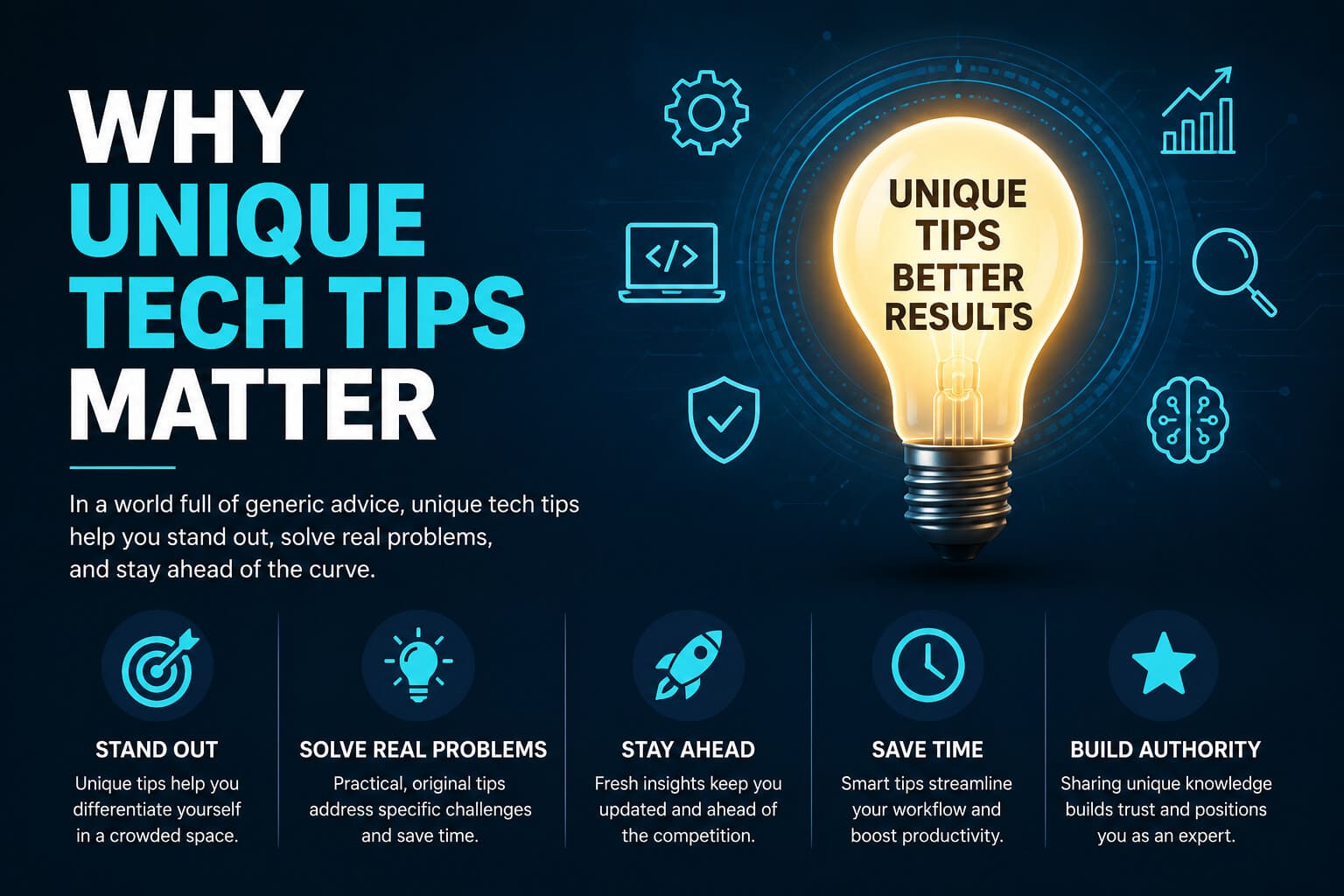
Why Unique Tech Tips Matter
Technology changes quickly. Every year brings new software updates, smarter devices, and better digital tools. Unfortunately, many people only use a small portion of the features available on their devices.
Learning useful technology tips helps you:
- Save valuable time every day
- Improve online privacy
- Increase device performance
- Extend battery life
- Protect important data
- Become more productive
- Reduce frustration with technology
Instead of buying expensive gadgets, small improvements in how you use existing devices often deliver bigger benefits.
Top Unique Tech Tips Everyone Should Know

1. Use Built-in AI Features Instead of Installing Extra Apps
Modern smartphones and computers now include AI-powered assistants capable of:
- Writing emails
- Summarizing documents
- Organizing notes
- Translating languages
- Editing photos
- Creating reminders
Many users continue downloading third-party applications for tasks already built into their devices.
Learning these native features keeps your device cleaner and often improves security.
2. Enable Automatic Backups
One of the biggest technology mistakes is assuming files will always remain safe.
Phones can be:
- Lost
- Stolen
- Damaged
- Factory reset accidentally
Automatic cloud backups ensure your:
- Photos
- Videos
- Contacts
- Notes
- Messages
- Documents
remain protected.
Good Backup Rule
Keep copies in three places:
- Your device
- Cloud storage
- External hard drive
This follows the well-known 3-2-1 backup strategy recommended by cybersecurity professionals.
3. Master Keyboard Shortcuts
Small shortcuts save surprising amounts of time.
Popular shortcuts include:
| Shortcut | Function |
|---|---|
| Ctrl + C | Copy |
| Ctrl + V | Paste |
| Ctrl + Z | Undo |
| Ctrl + Shift + T | Reopen closed browser tab |
| Windows + L | Lock computer instantly |
After several weeks, these become second nature.
4. Organize Your Digital Files
Many people save everything on the desktop.
Instead, create folders like:
Documents
 ├── Work
 ├── Personal
 ├── Taxes
 ├── Photos
 ├── Projects
Finding files becomes much faster.
5. Keep Software Updated
Updates aren’t just about new features.
They often fix:
- Security vulnerabilities
- Performance issues
- Compatibility problems
- Battery optimization
According to cybersecurity experts, outdated software remains one of the most common reasons devices become vulnerable to attacks.
Unique Smartphone Tips
Turn Off Apps Running in the Background
Many apps continue using:
- Battery
- Mobile data
- RAM
Review background activity regularly.
You may notice:
- Longer battery life
- Faster phone performance
- Less overheating
Use Focus Modes
Modern smartphones offer Focus Modes that silence distractions during:
- Studying
- Meetings
- Sleeping
- Driving
- Work
This helps improve concentration significantly.
Scan Documents Using Your Phone
Instead of buying a scanner:
- Open the camera or notes app
- Scan documents
- Convert them into PDFs
- Share instantly
This produces surprisingly high-quality results.
Improve Internet Speed at Home
Slow internet isn’t always your provider’s fault.
Try these simple improvements:
- Place your router in a central location
- Keep it away from microwaves
- Restart it weekly
- Update router firmware
- Use the 5 GHz Wi-Fi band when possible
- Replace very old routers
Even moving the router a few feet can improve signal strength.
Protect Your Online Privacy
Use Strong Passwords
Never reuse passwords.
A strong password includes:
- Uppercase letters
- Lowercase letters
- Numbers
- Symbols
- At least 12 characters
Password managers can generate and store unique passwords securely.
Turn On Two-Factor Authentication
Two-factor authentication adds another security layer.
Even if someone learns your password, they still need:
- Your phone
- Authentication app
- Security key
This greatly reduces the risk of unauthorized access.
Check App Permissions
Many apps request access to:
- Camera
- Microphone
- Contacts
- Location
- Photos
Only allow permissions that are actually necessary.
Save Smartphone Battery
Battery health depends largely on charging habits.
Helpful habits include:
- Avoid complete battery drain
- Keep charge between 20% and 80% when practical
- Reduce screen brightness
- Enable battery-saving mode
- Turn off Bluetooth when unused
- Disable unnecessary location services
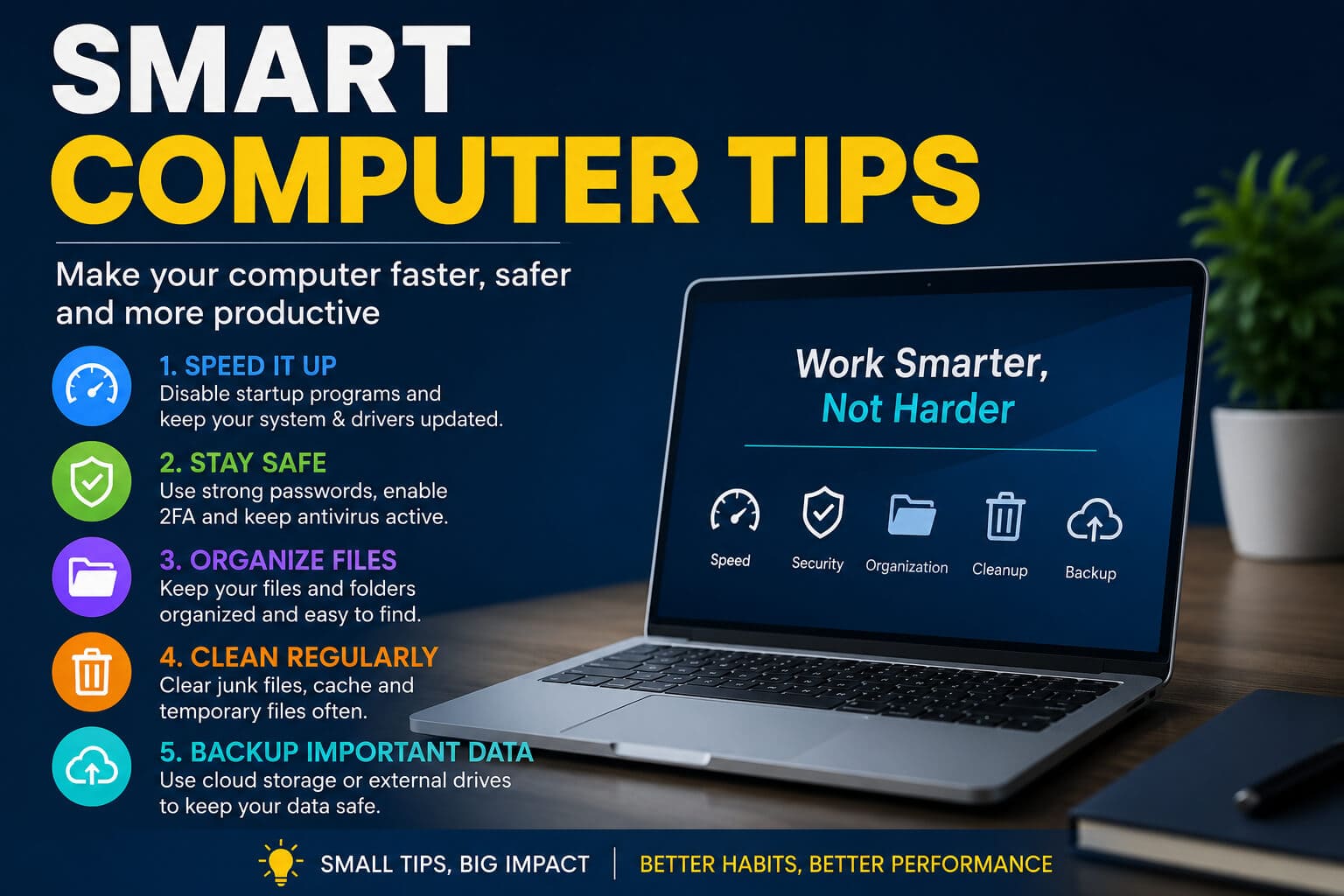
Smart Computer Tips
Restart Instead of Sleeping Forever
Many users never restart their computers.
Restarting:
- Clears temporary memory
- Stops hidden processes
- Installs updates
- Improves performance
A weekly restart can solve many minor issues.
Clean Storage Regularly
Delete:
- Duplicate photos
- Temporary files
- Old downloads
- Unused applications
This frees valuable storage and improves system responsiveness.
Learn Browser Tricks
Useful browser features include:
- Tab groups
- Reading mode
- Password management
- Vertical tabs
- Built-in translation
- Screenshot tools
These features often replace multiple browser extensions.
Use Cloud Storage Wisely
Cloud storage makes files available across devices.
Popular uses include:
- School projects
- Business documents
- Vacation photos
- Family videos
Just remember to organize folders instead of saving everything in one place.
Reduce Digital Clutter
Technology becomes easier when it’s organized.
Monthly cleanup:
- Delete old screenshots
- Remove unused apps
- Archive emails
- Empty downloads folder
- Remove duplicate files
Less clutter means faster searching.
Unique Productivity Tech Tips
Automate Repetitive Tasks
Automation saves hours every month.
Examples include:
- Automatic bill reminders
- Scheduled backups
- Email filters
- Calendar events
- File synchronization
Small automations quickly add up.
Use Voice Typing
Speech recognition has improved dramatically.
Voice typing works well for:
- Notes
- Emails
- Messages
- Brainstorming
- Blog outlines
Many people speak much faster than they type.
Schedule Do Not Disturb Time
Constant notifications reduce focus.
Set quiet hours during:
- Deep work
- Reading
- Exercise
- Family time
You’ll often accomplish more in less time.
Smart Home Tech Tips
Smart homes aren’t only about convenience.
They can also reduce energy use.
Useful ideas:
- Smart lighting schedules
- Motion sensor lights
- Smart thermostats
- Smart plugs
- Video doorbells
Many devices can be controlled remotely.
Photo Organization Tips
Most people never organize their pictures.
Instead:
- Create yearly albums
- Delete blurry images
- Remove duplicates
- Tag important events
- Backup regularly
Finding old memories becomes much easier.
Hidden Smartphone Features Most Users Miss
Many devices include powerful tools people rarely explore.
Examples include:
- Live captions
- Screen recording
- Nearby sharing
- Emergency SOS
- QR scanner
- Built-in measuring tools
- Digital wellbeing dashboard
Exploring Settings occasionally reveals useful features.
Technology Habits That Save Time Every Day
Instead of making huge changes, build small habits.
Examples:
- Restart weekly
- Backup automatically
- Update monthly
- Clean storage regularly
- Organize downloads
- Review passwords annually
Consistency matters more than perfection.
Common Technology Mistakes to Avoid
Avoid these frequent errors:
- Ignoring software updates
- Using weak passwords
- Installing unknown apps
- Clicking suspicious links
- Skipping backups
- Leaving devices unlocked
- Sharing personal information publicly
Simple awareness prevents many problems.
Real Facts About Technology
Several well-established facts highlight why good tech habits matter:
- More than 5.5 billion people worldwide use the internet, making digital security more important than ever.
- Over 60% of global web traffic comes from mobile devices, showing why learning smartphone skills is increasingly valuable.
- The 3-2-1 backup rule is widely recommended by IT professionals because it significantly reduces the risk of permanent data loss.
These examples show that smart technology habits aren’t just convenient—they’re practical for everyday life.
How Technology Will Continue Changing in 2026

Technology continues evolving rapidly.
Current trends include:
- Smarter AI assistants
- Better cybersecurity tools
- Faster cloud computing
- Improved battery technology
- More sustainable electronics
- Greater device integration
- Personalized digital experiences
As these innovations become more common, understanding basic technology skills will remain valuable.
Frequently Asked Questions
What are unique tech tips?
Unique tech tips are practical methods that help people use digital devices more efficiently, improve security, increase productivity, and solve everyday technology problems with simple techniques.
How can I make my phone faster?
Delete unused apps, restart your phone regularly, keep software updated, reduce background activity, clear unnecessary files, and maintain enough free storage for smooth performance.
What is the easiest way to protect personal information online?
Use strong passwords, enable two-factor authentication, avoid suspicious links, update software regularly, and only install apps from trusted sources.
How often should I back up my data?
Automatic daily cloud backups are ideal for most people. Important files should also be copied to an external drive following the 3-2-1 backup strategy.
Which tech habit makes the biggest difference?
Keeping software updated and maintaining regular backups provide some of the biggest improvements in both security and reliability while requiring very little effort.
Final Takeaway
Technology works best when it supports your daily life instead of making it more complicated. By adopting a handful of smart habits—such as keeping devices updated, organizing files, using built-in tools, protecting your accounts with strong security, and backing up important data—you can get more value from the devices you already own.
The most effective tech users aren’t necessarily experts. They’re people who consistently apply simple, practical tips that save time, reduce stress, and keep their digital lives secure. Start with one or two of these unique tech tips today, and you’ll likely notice the difference almost immediately.