
Introduction
Android continues to evolve with every major release, bringing smarter tools, better security, and improved performance for millions of users worldwide. Android 17 builds on previous versions with a strong focus on artificial intelligence, privacy, battery efficiency, and user customization.
Whether you’re planning to upgrade your smartphone or simply want to know what’s new, this guide explores the most important Android 17 features, how they improve daily use, and why this update matters for both casual users and tech enthusiasts.
Android 17 introduces smarter AI-powered features, enhanced privacy controls, improved battery management, smoother multitasking, faster app performance, better accessibility, and more customization options. The update focuses on making Android devices faster, safer, and easier to use while giving users greater control over their smartphones.
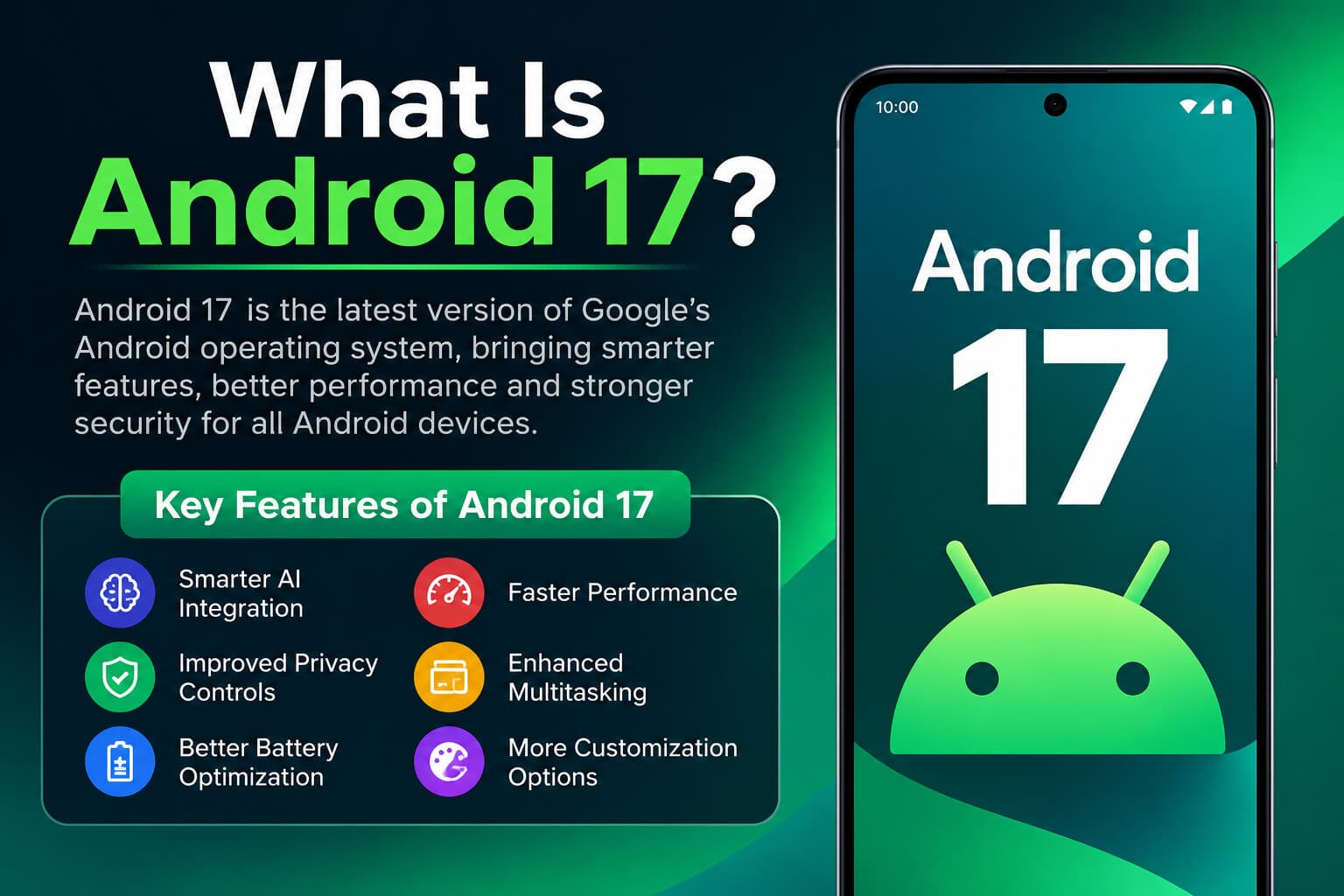
What Is Android 17?
Android 17 is Google’s latest generation of the Android operating system. It enhances nearly every part of the smartphone experience, from system performance and security to AI-powered assistance and battery life.
The operating system is designed to work efficiently across a wide range of Android phones, tablets, foldables, and other connected devices.
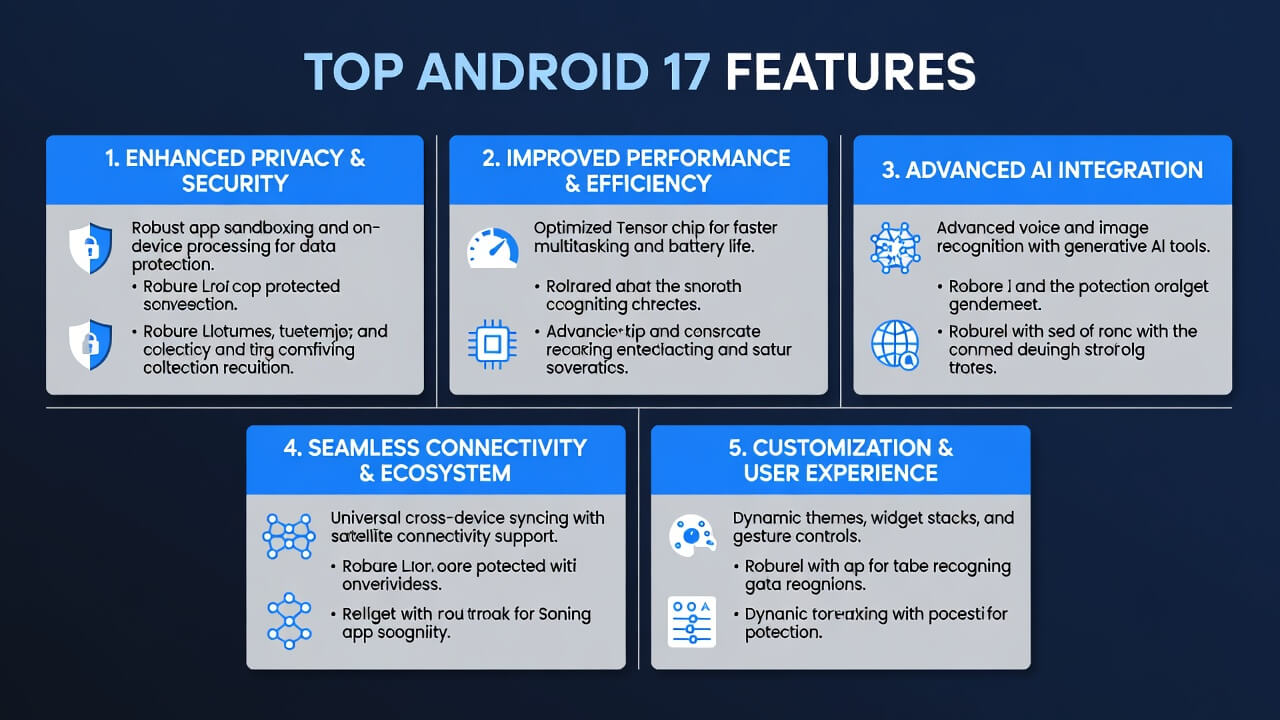
Top Android 17 Features
Smarter AI Integration
Artificial intelligence plays a much bigger role in Android 17.
New AI capabilities help users perform everyday tasks more efficiently.
Benefits include:
- Intelligent text suggestions
- AI-generated message replies
- Smarter voice commands
- Better photo editing
- Real-time language assistance
- Improved search across the device
These features reduce manual work while making everyday interactions more natural.
Improved Privacy Controls
Privacy remains one of Google’s biggest priorities.
Android 17 offers more transparency about how apps access your information.
New Privacy Features
- Better permission management
- Temporary location sharing
- Enhanced microphone controls
- Camera access notifications
- Easier privacy dashboard
- Background activity monitoring
Users can now understand exactly which apps are collecting data.
Better Battery Optimization
Battery performance receives significant improvements.
Android 17 intelligently analyzes usage patterns to extend battery life throughout the day.
Battery Enhancements
- Smarter background app management
- Adaptive charging improvements
- Reduced idle power consumption
- Faster battery health monitoring
- AI-powered power saving
These updates help older devices perform better without sacrificing usability.
Faster Overall Performance
Google continues optimizing Android for speed.
Android 17 launches apps more quickly while improving system responsiveness.
Performance improvements include:
- Faster boot times
- Reduced memory usage
- Better multitasking
- Improved graphics rendering
- Lower CPU usage
- Faster app switching
Users notice smoother animations and quicker navigation throughout the system.
Enhanced Multitasking
Android 17 makes multitasking easier than ever.
Whether using a tablet, foldable, or large-screen phone, users can work across multiple apps with fewer interruptions.
Multitasking Improvements
- Improved split-screen mode
- Better floating windows
- Faster app switching
- Smarter recent apps menu
- Enhanced drag-and-drop support
These changes increase productivity for students and professionals alike.
Advanced Notification Management
Notifications are now more organized and less distracting.
Android 17 intelligently groups alerts while prioritizing important messages.
New notification features include:
- Smart notification summaries
- Better conversation grouping
- Quiet notification options
- Improved Do Not Disturb controls
- Enhanced lock screen notifications
More Customization Options
Android users love personalization, and Android 17 expands customization even further.
Users can personalize:
- Themes
- Icons
- Wallpapers
- Lock screens
- Widgets
- Fonts
- Color palettes
- Quick settings
The interface feels more personal while remaining clean and responsive.
Improved Security Features
Security improvements protect users from modern digital threats.
New Security Enhancements
- Stronger app verification
- Better phishing protection
- Secure credential management
- Enhanced biometric authentication
- Improved malware detection
- Automatic security updates
These features help keep personal information safe without requiring a complicated setup.
Better Camera Experience
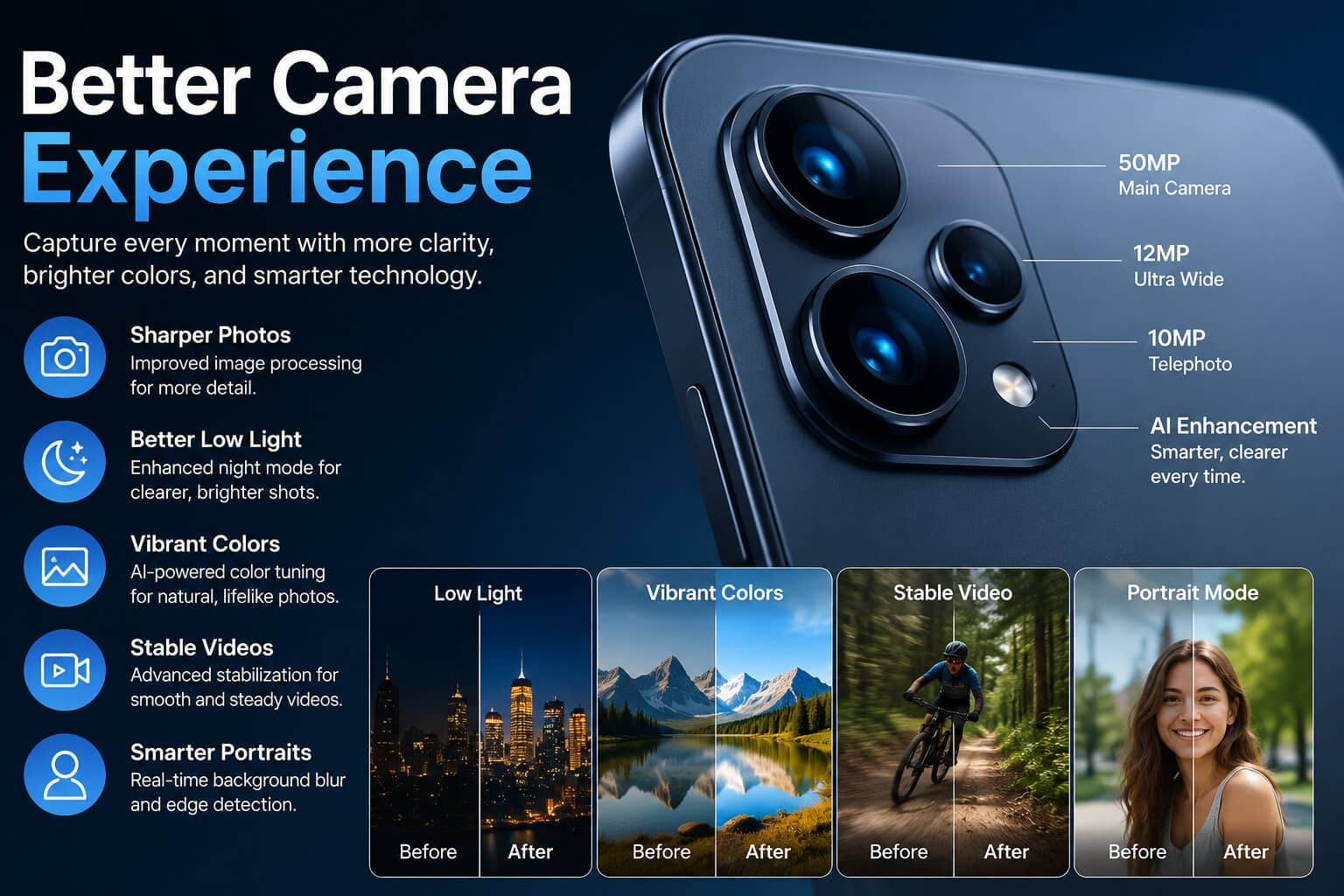
Photography also benefits from Android 17.
Camera improvements include:
- Faster image processing
- Better night photography
- Enhanced HDR
- AI-powered image enhancement
- Improved video stabilization
- Faster portrait mode
Even mid-range smartphones can capture higher-quality photos.
Accessibility Improvements
Android 17 introduces several accessibility upgrades that make devices easier to use for everyone.
Highlights include:
- Improved voice access
- Better screen reader support
- Larger customization controls
- Live caption enhancements
- Easier gesture navigation
These improvements help create a more inclusive smartphone experience.
Better Gaming Performance
Mobile gamers also benefit from Android 17.
Gaming improvements include:
- Reduced input latency
- Better graphics optimization
- Improved thermal management
- Stable frame rates
- Faster game loading
- More efficient background resource management
Games feel smoother while consuming less battery.
Enhanced Connectivity
Android 17 improves wireless connectivity across multiple devices.
Connectivity upgrades include:
- Faster Wi-Fi performance
- Better Bluetooth stability
- Improved device pairing
- Enhanced Nearby Share
- Stronger network switching
These updates make sharing files and connecting accessories more reliable.
Android 17 vs Previous Android Versions
| Feature | Android 16 | Android 17 |
|---|---|---|
| AI Features | Good | Significantly Enhanced |
| Battery Optimization | Advanced | Smarter AI-Based |
| Privacy Controls | Strong | More Granular |
| Performance | Fast | Faster |
| Notifications | Improved | AI Organized |
| Customization | Extensive | Even More Flexible |
| Gaming | Good | Better Optimization |
| Security | Excellent | Stronger Protection |
Who Should Upgrade to Android 17?
Android 17 is ideal for:
- Students
- Professionals
- Mobile gamers
- Content creators
- Business users
- Photography enthusiasts
- Privacy-conscious users
- Anyone seeking better performance and battery life
Most users will notice improvements in speed, security, and usability.
Tips to Get the Most from Android 17
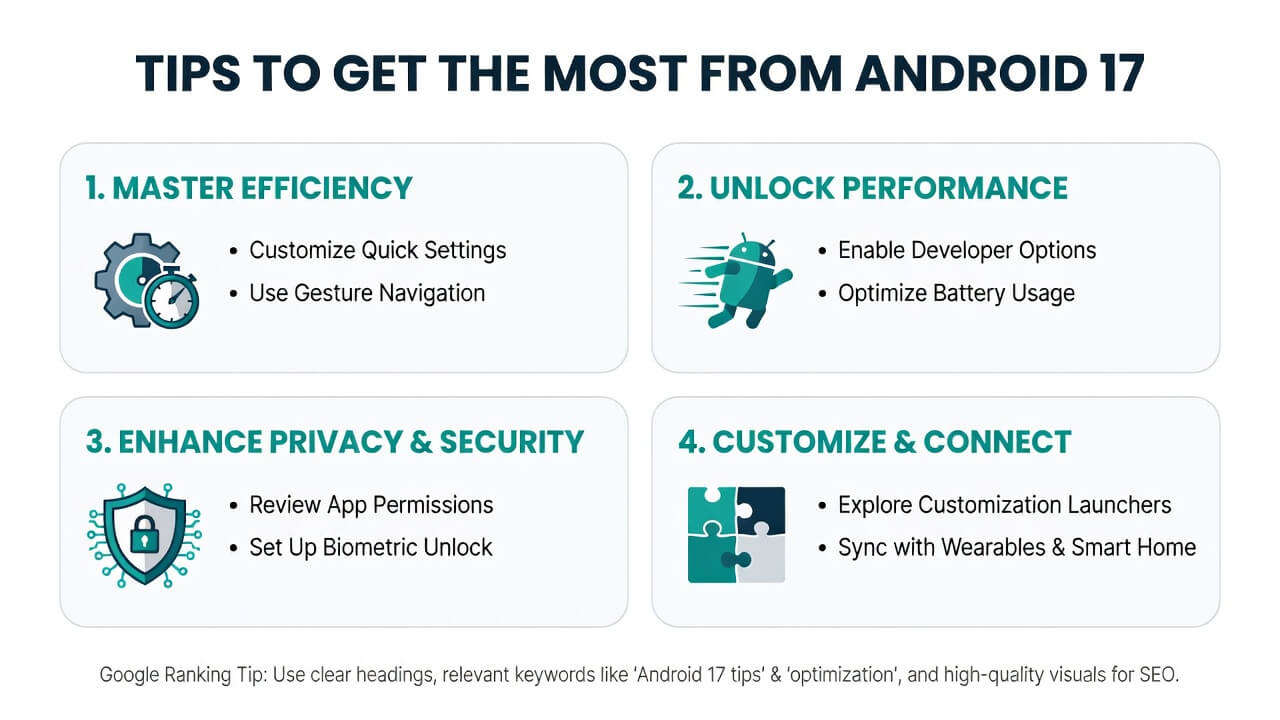
- Keep your device updated.
- Review privacy settings after installation.
- Enable adaptive battery features.
- Customize widgets and themes.
- Remove unused applications.
- Use AI-powered productivity tools.
- Back up important files regularly.
Frequently Asked Questions
Is Android 17 free?
Yes. Android updates are generally free for supported devices.
Which phones support Android 17?
Availability depends on the manufacturer. Google Pixel devices typically receive updates first, followed by brands such as Samsung, OnePlus, Xiaomi, Oppo, Vivo, and others, depending on their update schedules.
Does Android 17 improve battery life?
Yes. Android 17 includes smarter battery optimization, adaptive charging, and improved background process management.
Is Android 17 more secure?
Yes. It introduces stronger privacy controls, enhanced app permissions, improved malware protection, and better biometric security.
Will Android 17 make my phone faster?
Most supported devices should experience smoother animations, quicker app launches, and improved overall responsiveness.
Does Android 17 include AI features?
Yes. AI is deeply integrated into Android 17, helping with messaging, search, photo editing, voice assistance, and productivity.
Is Android 17 good for gaming?
Yes. Better graphics optimization, lower latency, and improved thermal management provide a smoother gaming experience.
Can I customize Android 17?
Absolutely. Android 17 offers expanded options for themes, widgets, icons, wallpapers, fonts, and lock screen personalization.
Conclusion
Android 17 is one of the most refined Android updates yet, combining smarter AI, stronger privacy protections, faster performance, and improved battery efficiency into a polished user experience. Whether you prioritize productivity, photography, gaming, or security, the update introduces meaningful enhancements that improve everyday smartphone use. If your device is eligible, upgrading to Android 17 is a worthwhile step toward a faster, safer, and more personalized Android experience.