
Introduction
Android smartphones are packed with powerful features, but many users only scratch the surface of what their devices can do. Whether you own a Samsung, Google Pixel, OnePlus, Xiaomi, Motorola, or another Android phone, learning a few smart tips can make your phone faster, more secure, and easier to use.
This guide covers practical Android tips and tricks that anyone can apply. From improving battery life to using hidden features, these techniques help you get more from your smartphone without installing unnecessary apps.
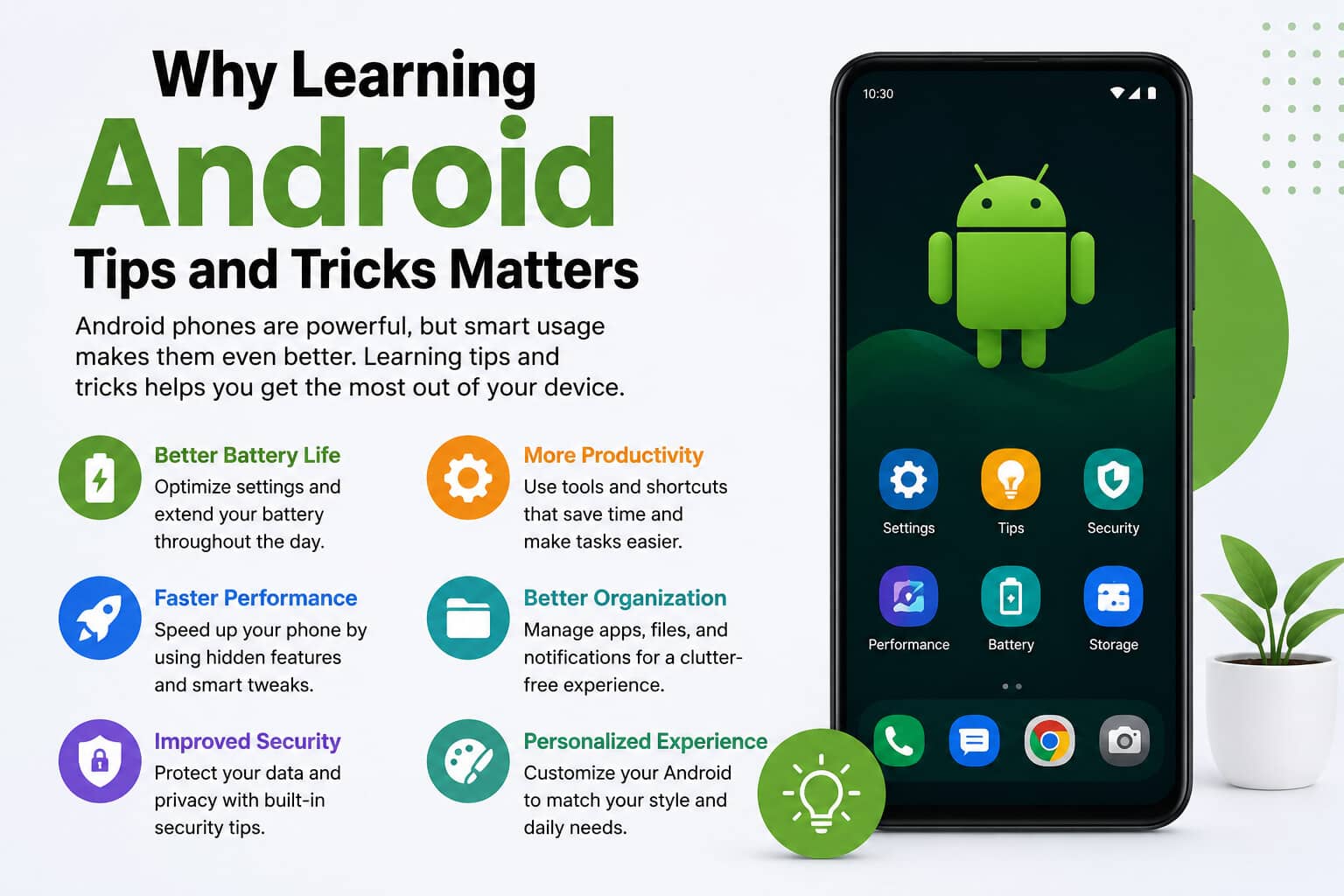
Why Learning Android Tips and Tricks Matters
Android offers one of the most customizable mobile experiences available today. Unlike many operating systems, it gives users greater control over settings, appearance, privacy, and performance.
Benefits include:
- Better battery life
- Faster phone performance
- Improved privacy
- Increased productivity
- Better organization
- More personalized experience
Even small adjustments can significantly improve your everyday smartphone experience.
Customize Your Home Screen
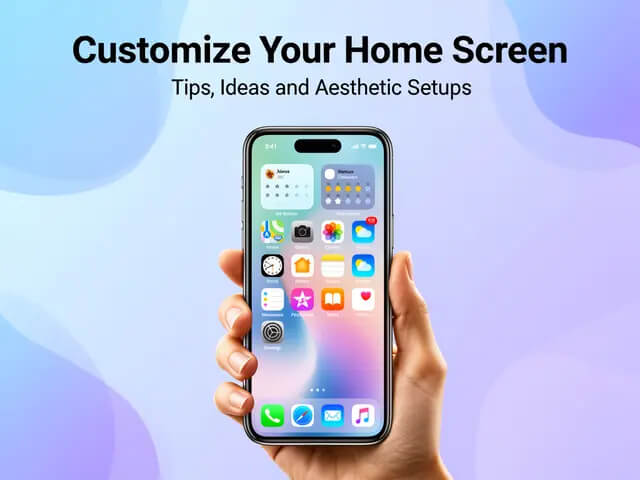
One of Android’s biggest strengths is customization.
Organize Apps into Folders
Group similar apps together, such as:
- Social Media
- Work
- Games
- Shopping
- Photography
This makes finding apps much quicker.
Use Widgets Wisely
Widgets allow you to view information without opening apps.
Popular widgets include:
- Weather
- Calendar
- Notes
- Music controls
- Battery monitor
Keep only the widgets you actually use to avoid clutter.
Change Wallpapers and Themes
A fresh wallpaper and custom icon pack can completely transform your device.
Many Android phones also support:
- Dark Mode
- Color themes
- Custom fonts
- Always-on display personalization
Improve Battery Life
Battery performance is one of the biggest concerns for Android users.
Enable Battery Saver
Battery Saver limits background activity and helps extend battery life during busy days.
Reduce Screen Brightness
The display usually consumes the most power.
For better battery life:
- Lower brightness manually
- Enable Adaptive Brightness
- Reduce screen timeout
Turn Off Unused Features
Disable features you aren’t using, including:
- Bluetooth
- GPS
- NFC
- Mobile hotspot
- Nearby device scanning
These settings can quietly drain your battery throughout the day.
Speed Up Your Android Phone
Phones naturally slow down over time, but simple maintenance can restore performance.
Remove Unused Apps
Delete apps you no longer use.
Unused apps consume:
- Storage
- RAM
- Background processing
- Battery
Clear Cache Regularly
Cached files help apps load faster but can accumulate over time.
Clearing app cache can free storage and resolve minor issues without deleting personal data.
Restart Your Phone Weekly
A quick restart:
- Refreshes memory
- Stops background processes
- Improves responsiveness
- Fixes temporary glitches
Master Android Gestures
Modern Android phones support gesture navigation.
Useful gestures include:
- Swipe up to return Home
- Swipe from either side to go Back
- Swipe up and hold for Recent Apps
- Double-tap to wake the screen
- Double-tap to lock the display (supported on some devices)
Once mastered, gestures make navigation faster than traditional buttons.
Use Split Screen for Multitasking
Split Screen lets you run two apps simultaneously.
Examples:
- Watch YouTube while taking notes
- Chat while browsing the web
- Compare documents
- Copy information between apps
This feature is especially useful for students and professionals.
Make Better Use of Google Assistant
Google Assistant can simplify everyday tasks.
You can ask it to:
- Set reminders
- Make calls
- Send messages
- Open apps
- Check weather
- Control smart home devices
- Start navigation
Voice commands save time and reduce manual typing.
Improve Phone Security

Protecting personal information should always be a priority.
Enable Fingerprint or Face Unlock
Biometric authentication provides:
- Faster unlocking
- Better security
- Greater convenience
Turn On Find My Device
If your phone is lost, this feature allows you to:
- Locate it
- Lock it remotely
- Ring it
- Erase personal data if necessary
Keep Software Updated
System updates often include:
- Security patches
- Bug fixes
- Performance improvements
- New features
Installing updates promptly helps protect your device.
Free Up Storage Space
Low storage affects both speed and performance.
Ways to reclaim space include:
- Delete duplicate photos
- Remove downloaded files
- Empty Trash folders
- Uninstall unused apps
- Move large videos to cloud storage
Many Android devices also include built-in storage analysis tools to identify large files.
Enable Digital Wellbeing Features
Android includes tools to encourage healthier phone habits.
Useful options include:
- Screen Time reports
- App timers
- Bedtime Mode
- Focus Mode
- Do Not Disturb
These features help reduce distractions and improve productivity.
Discover Hidden Android Features
Many users overlook these built-in tools.
Screen Recording
Most modern Android phones can record the screen without third-party apps.
Useful for:
- Tutorials
- Gaming
- Bug reporting
- Presentations
Nearby Share or Quick Share
Quickly transfer files between compatible Android devices without cables.
Live Caption
Live Caption automatically creates captions for videos, podcasts, and voice recordings, improving accessibility.
Boost Privacy Settings
Privacy has become increasingly important.
Review these permissions regularly:
- Camera
- Microphone
- Location
- Contacts
- Files
- Notifications
Only allow permissions that are necessary for each app.
Android also lets you revoke permissions from apps that haven’t been used recently.
Productivity Tips for Everyday Users
Small habits can save time every day.
Helpful ideas include:
- Pin important apps to the dock
- Use Google Keep for quick notes
- Set recurring reminders
- Create calendar events with voice commands
- Enable autofill passwords
- Use clipboard history if your keyboard supports it
These features improve organization without requiring extra software.
Common Android Mistakes to Avoid
Avoid these habits to keep your phone running smoothly:
- Installing apps from unknown sources
- Ignoring software updates
- Using too many battery optimization apps
- Leaving storage completely full
- Keeping hundreds of browser tabs open
- Never restarting the phone
- Granting every permission without reviewing it
Simple maintenance prevents many common performance problems.
Best Android Tips for New Users
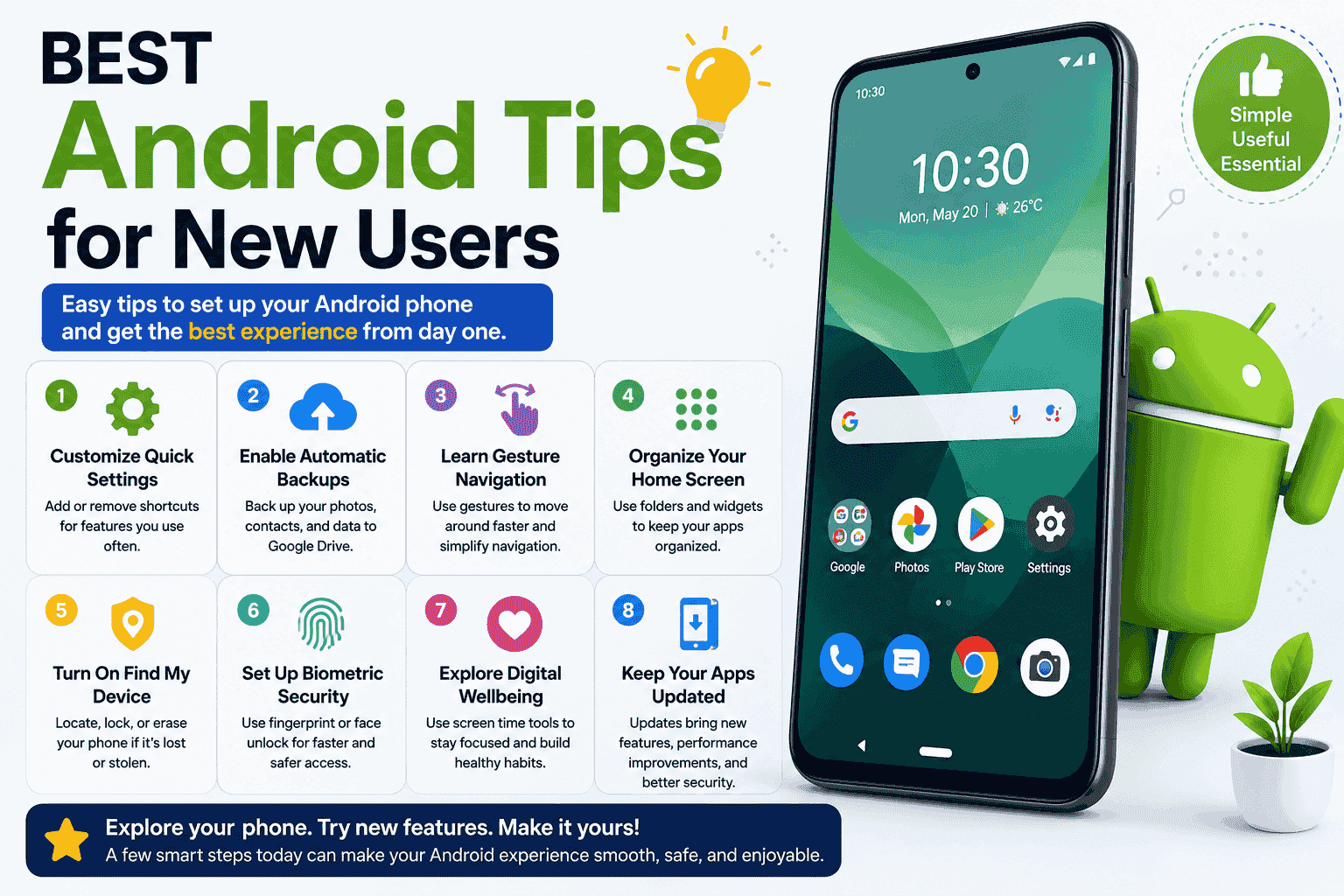
If you’ve recently switched to Android, start with these essentials:
- Customize Quick Settings
- Enable automatic backups
- Learn gesture navigation
- Organize your home screen
- Turn on Find My Device
- Set up biometric security
- Explore Digital Wellbeing features
- Keep your apps updated
These steps create a smoother and safer experience from day one.
Frequently Asked Questions
What are the most useful Android tips and tricks?
The most useful tips include enabling Battery Saver, organizing apps, using gesture navigation, clearing cache, updating software, and customizing Quick Settings.
How can I make my Android phone faster?
Delete unused apps, clear cache, restart regularly, update the system, and keep enough free storage available.
Does clearing cache improve performance?
Yes. Clearing cached files can free storage and fix temporary app issues without removing personal data.
How do I improve Android battery life?
Lower screen brightness, enable Battery Saver, disable unused connections, reduce background activity, and keep apps updated.
Is Android more customizable than other mobile operating systems?
Yes. Android offers extensive customization options, including themes, widgets, launchers, icon packs, and personalized settings.
Should I update Android regularly?
Yes. Updates improve security, performance, stability, and often introduce useful new features.
What is the easiest way to free storage?
Delete unnecessary files, uninstall unused apps, clear downloads, and back up large photos and videos to cloud storage.
Are built-in Android security features enough?
For most users, built-in features such as biometric authentication, app permission controls, Google Play Protect, and Find My Device provide strong everyday protection when kept up to date.
Conclusion
Learning a few Android tips and tricks can dramatically improve how you use your smartphone every day. By customizing your device, managing battery life, protecting your privacy, and exploring hidden features, you can enjoy a faster, safer, and more productive Android experience. Whether you’re a beginner or an experienced user, regularly reviewing your settings and keeping your device updated ensures you get the most out of everything Android has to offer.