
Introduction
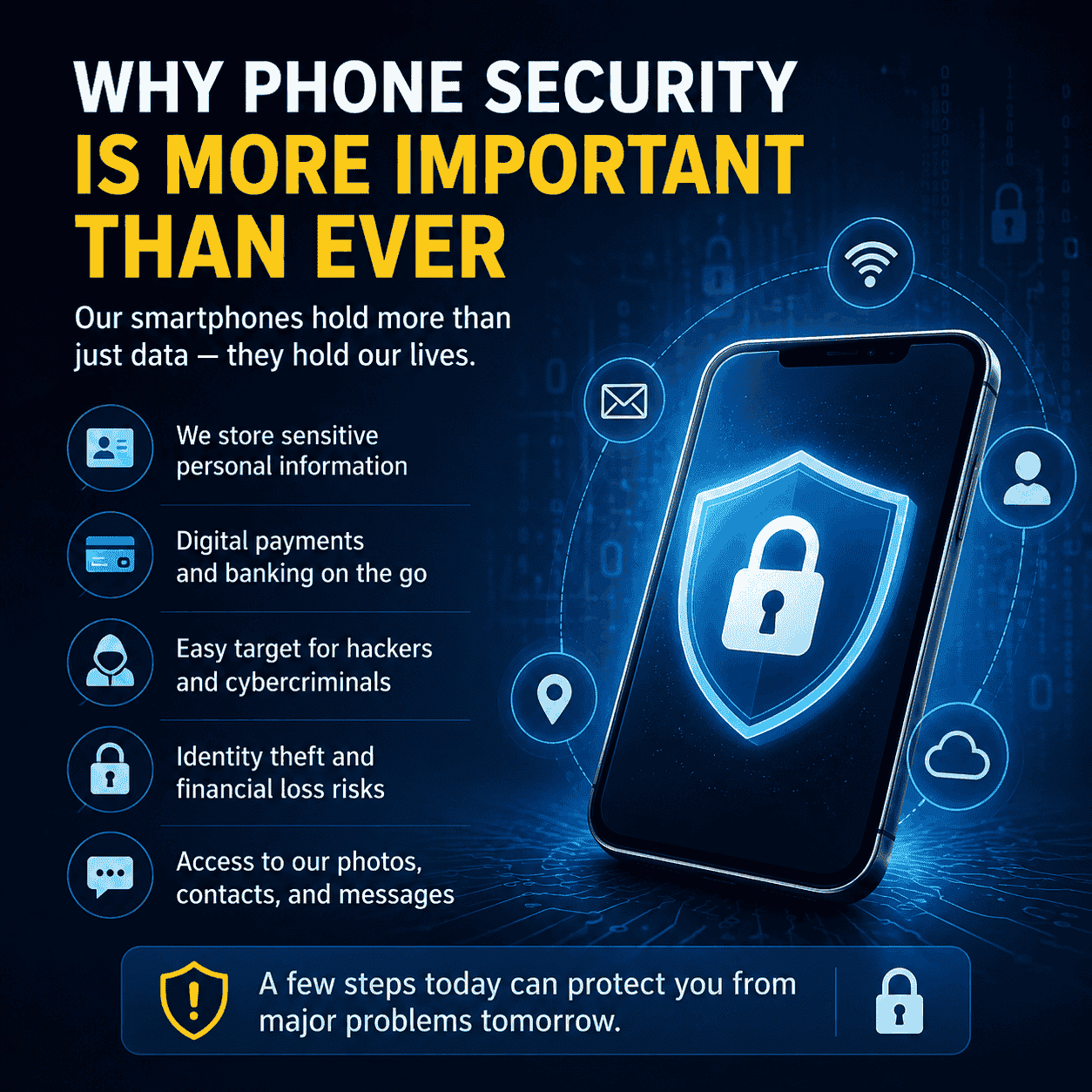
Smartphones have become an essential part of daily life. We use them for banking, shopping, work, communication, and storing personal memories. Because of this, phones have become a major target for hackers, scammers, and cybercriminals.
Following the right phone security tips can greatly reduce the risk of losing personal information or becoming a victim of online attacks. Whether you use Android or iPhone, understanding basic mobile security practices helps keep your data, identity, and money safe.
This guide covers practical, easy-to-follow phone security tips that anyone can use.
Why Phone Security Is More Important Than Ever
Modern smartphones hold far more sensitive information than computers did a decade ago. A stolen or hacked phone can expose:
- Banking information
- Credit card details
- Personal photos
- Passwords
- Emails
- Business documents
- Social media accounts
- Private messages
Cybercriminals continue developing new methods to steal data, making phone security a necessity rather than an option.
Keep Your Phone Updated
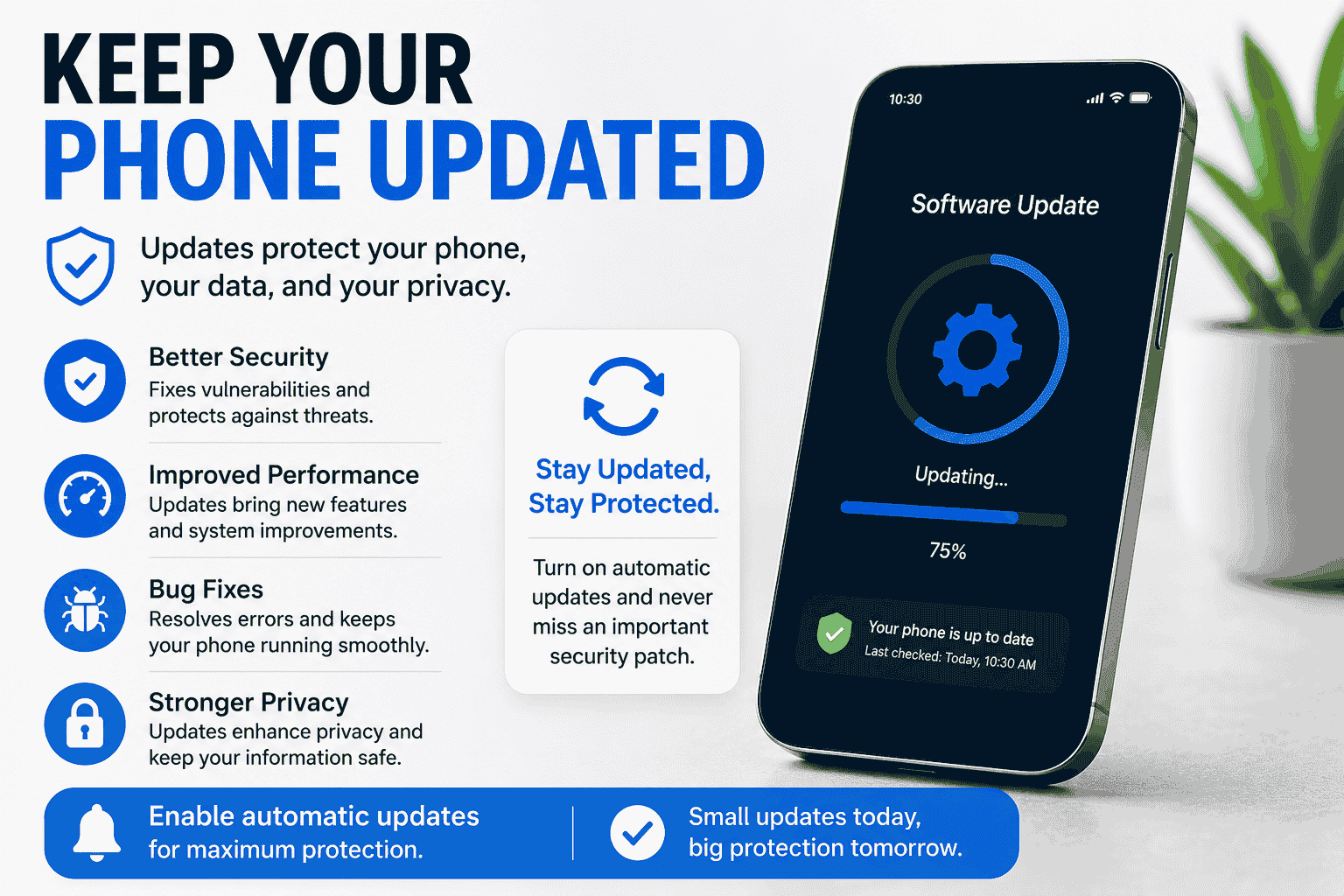
One of the easiest ways to improve security is keeping your device updated.
Software updates often include:
- Security patches
- Bug fixes
- Improved privacy controls
- Better protection against malware
Ignoring updates leaves known vulnerabilities open to attackers.
Turn On Automatic Updates
Enable automatic updates whenever possible so your phone receives the latest security improvements without delay.
Use a Strong Screen Lock
A screen lock is your first line of defense.
Choose one of these methods:
- Long PIN
- Strong password
- Fingerprint recognition
- Face unlock (when supported)
Avoid simple PINs like:
- 1234
- 0000
- 1111
- Birthdays
Longer passwords significantly improve security.
Enable Two-Factor Authentication (2FA)
Two-factor authentication adds another layer of protection.
Even if someone steals your password, they still need a second verification method before accessing your account.
Use 2FA for:
- Google account
- Apple ID
- Banking apps
- Social media
- Cloud storage
Authenticator apps are generally safer than SMS verification.
Download Apps Only from Trusted Sources
Installing apps from unknown websites increases the risk of malware.
Stick to official app stores whenever possible.
Before downloading an app:
- Read reviews
- Check ratings
- Verify the developer
- Review permissions
- Avoid recently uploaded fake apps
Review App Permissions Regularly
Many apps request permissions they don’t actually need.
Check permissions every few months.
Common Permissions to Review
- Camera
- Microphone
- Contacts
- Photos
- Location
- SMS
- Storage
Disable unnecessary permissions to improve privacy.
Be Careful with Public Wi-Fi
Free public Wi-Fi can be convenient but may not be secure.
Hackers sometimes create fake hotspots that steal user information.
Safer Public Wi-Fi Practices
- Avoid online banking
- Don’t enter passwords on unknown networks
- Use mobile data when possible
- Enable a trusted VPN if needed
Watch Out for Phishing Scams
Phishing attacks continue to grow every year.
Scammers may send fake:
- SMS messages
- Emails
- Social media messages
- Delivery notifications
- Bank alerts
Their goal is to trick users into revealing passwords or payment information.
Signs of a Phishing Message
- Urgent language
- Unknown sender
- Strange links
- Grammar mistakes
- Requests for personal information
Always verify before clicking.
Create Strong, Unique Passwords
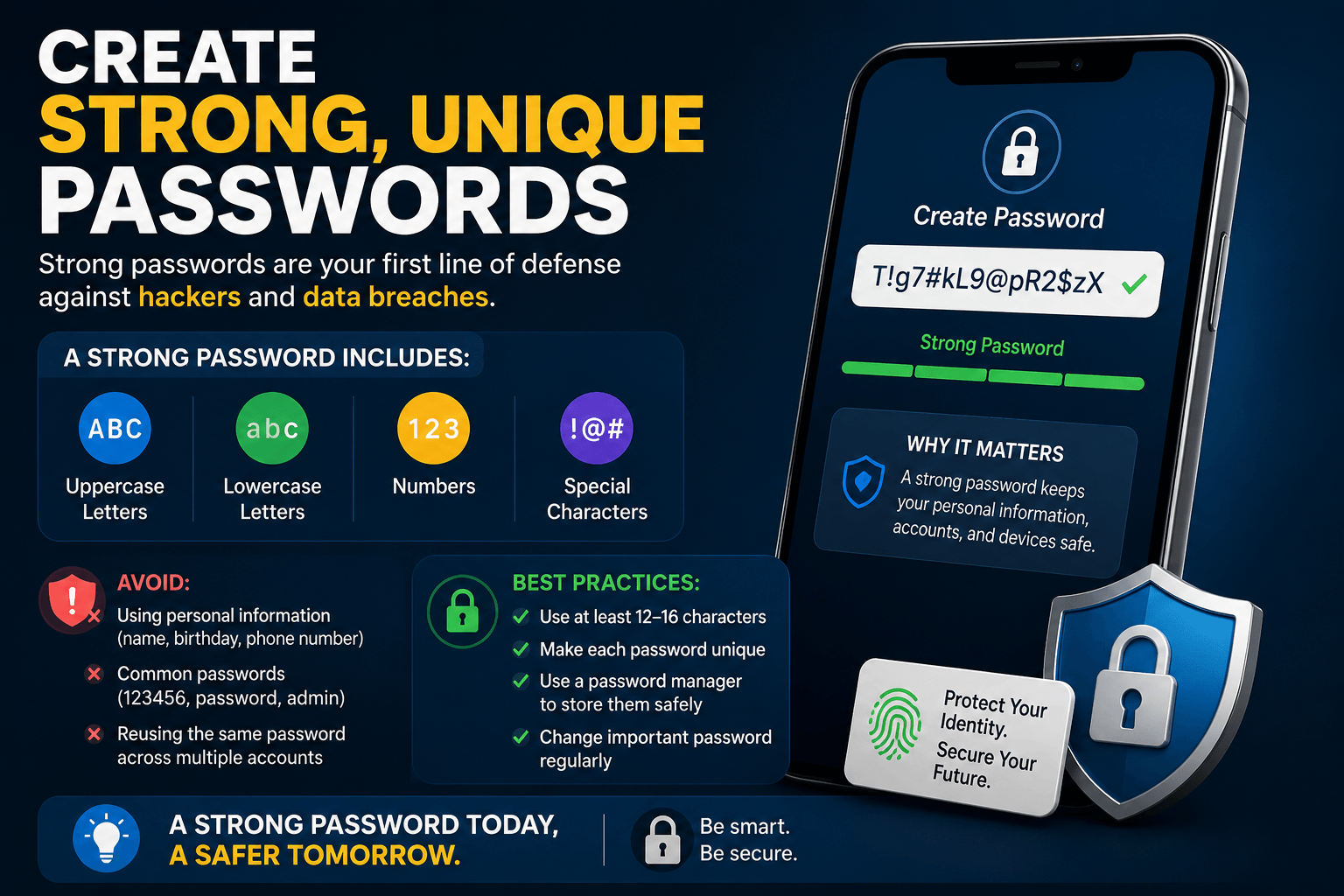
Using the same password everywhere is risky.
If one account is compromised, others become vulnerable.
A strong password should include:
- Uppercase letters
- Lowercase letters
- Numbers
- Special characters
Password managers can safely store complex passwords.
Enable Find My Device Features
Most smartphones include recovery tools.
Enable them before your phone is lost.
Popular features include:
- Remote location tracking
- Remote lock
- Remote data erase
- Device recovery assistance
These tools can protect your information if your phone is stolen.
Avoid Charging Through Unknown USB Ports
Public USB charging stations may expose devices to “juice jacking,” where compromised ports attempt to access data.
Use:
- Your own charger
- A power bank
- USB data blocker
- AC wall outlet
This simple habit improves overall phone safety.
Back Up Your Data Regularly
Backups protect against:
- Theft
- Accidental deletion
- Hardware failure
- Ransomware
- Water damage
Store backups securely in cloud services or external storage.
Regular backups reduce stress if something happens to your phone.
Lock Sensitive Apps
Many banking, messaging, and note-taking apps support additional authentication.
Consider locking apps containing:
- Financial information
- Medical records
- Passwords
- Business files
- Private conversations
Fingerprint or facial recognition adds another security layer.
Avoid Rooting or Jailbreaking
Rooting Android devices or jailbreaking iPhones removes many built-in security protections.
Although it allows greater customization, it also increases exposure to:
- Malware
- Unauthorized access
- Security vulnerabilities
- Unsupported software
Most users are better off keeping their devices in their original secure state.
Recognize Signs Your Phone May Be Compromised
Watch for unusual behavior, including:
- Battery draining unusually fast
- Device overheating
- Unexpected pop-ups
- Apps you didn’t install
- High data usage
- Slow performance
- Unknown text messages
If you notice several of these symptoms, scan your device, remove suspicious apps, and change important passwords.
Best Daily Phone Security Habits
Developing good habits provides long-term protection.
Daily Security Checklist
- Lock your phone whenever not in use.
- Install updates quickly.
- Review new app permissions.
- Avoid suspicious links.
- Use secure passwords.
- Keep backups current.
- Turn on two-factor authentication.
- Stay cautious on public Wi-Fi.
Small habits make a big difference over time.
Common Phone Security Mistakes
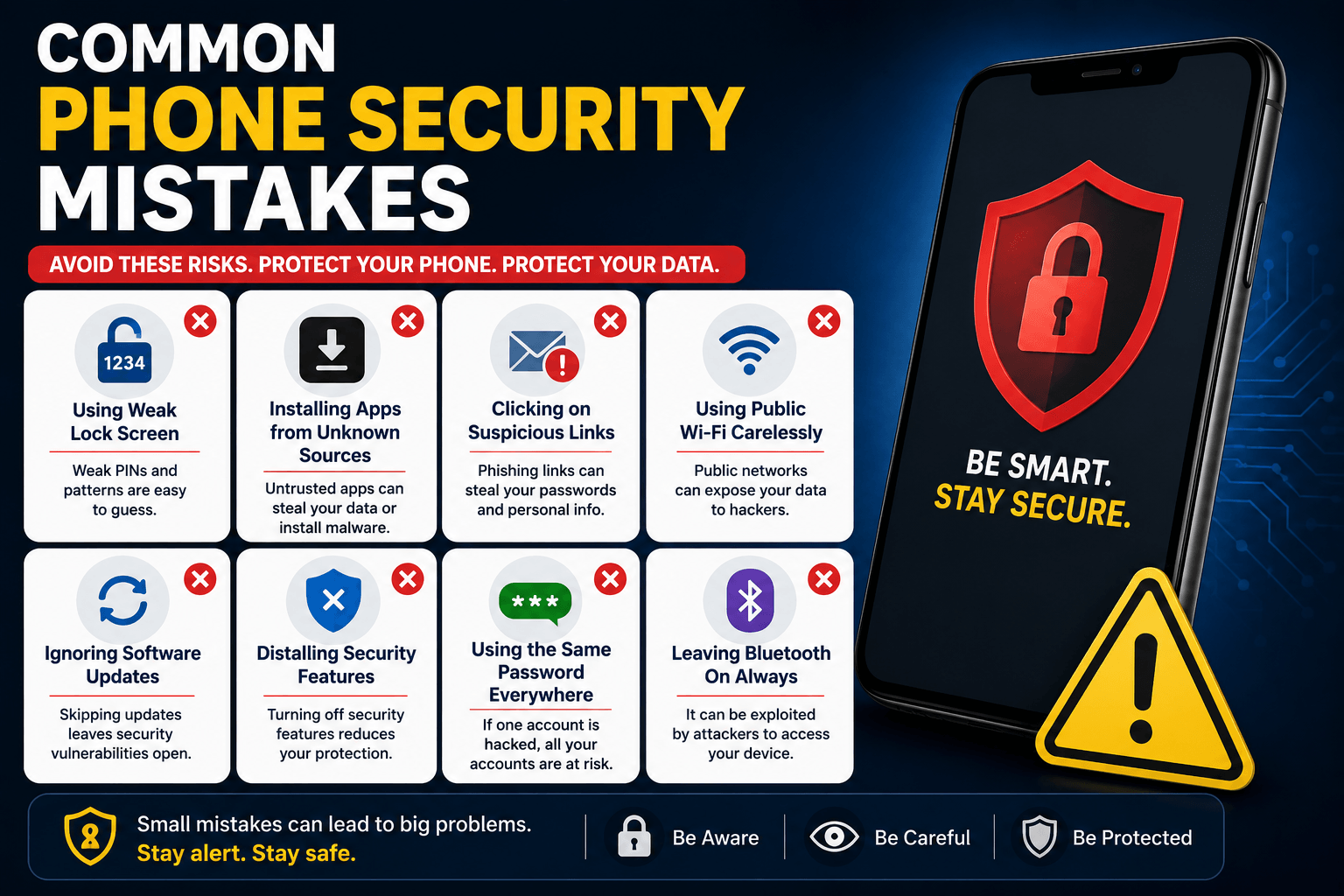
Avoid these common errors:
- Reusing passwords
- Ignoring software updates
- Installing unknown apps
- Clicking suspicious links
- Leaving Bluetooth on constantly
- Sharing sensitive information over unsecured networks
- Using weak screen locks
- Disabling security features for convenience
Recognizing these mistakes helps reduce unnecessary risks.
Frequently Asked Questions (FAQs)
What is the most important phone security tip?
Keeping your phone updated and using a strong screen lock are among the most effective ways to improve security.
Can phones get hacked?
Yes. Smartphones can be compromised through malicious apps, phishing attacks, insecure networks, or outdated software.
Is antivirus software necessary for smartphones?
Many phones include built-in security features, but reputable security apps can provide additional protection, especially for Android users who install many third-party apps.
How often should I update my phone?
Install security updates as soon as they become available. Enabling automatic updates is recommended.
Is Face ID safer than a PIN?
Face recognition is generally secure when combined with a strong backup PIN or password.
Should I use public Wi-Fi?
You can, but avoid accessing sensitive accounts unless you’re using a trusted, secure connection or a reliable VPN.
How can I tell if an app is safe?
Download apps from official stores, review ratings, verify the developer, and check requested permissions before installing.
What should I do if my phone is stolen?
Use your phone’s tracking feature to locate it, remotely lock the device, erase sensitive data if necessary, and change passwords for important accounts.
Conclusion
Phone security is no longer optional in today’s connected world. A few simple habits—such as keeping your software updated, using strong passwords, enabling two-factor authentication, reviewing app permissions, and avoiding suspicious links—can significantly reduce your risk of cyber threats.
By following these phone security tips consistently, you can better protect your personal information, financial accounts, and digital identity. Investing a few minutes in mobile security today can help prevent major problems in the future.