
Introduction
If you’ve ever wondered how to unlock a T-Mobile phone, you’re not alone. Millions of people choose to unlock their phones every year to switch carriers, travel internationally, or increase the resale value of their devices.
Fortunately, unlocking a T-Mobile phone is usually straightforward if your device meets the carrier’s requirements. Whether you own an Android smartphone or an iPhone, understanding the unlocking process can save you time, money, and frustration.
In this guide, you’ll learn everything you need to know about how to unlock a T-Mobile phone, including eligibility rules, step-by-step instructions, common problems, and useful tips.
What Does It Mean to Unlock a T-Mobile Phone?
A carrier-locked phone only works with one mobile network. For example, a T-Mobile locked phone accepts only T-Mobile SIM cards.
An unlocked phone, however, can work with compatible SIM cards from many carriers worldwide.
Unlocking does not:
- Remove your personal data
- Cancel your warranty
- Delete your apps
- Damage your device
Instead, it simply removes the network restriction.
Why Unlock Your T-Mobile Phone?
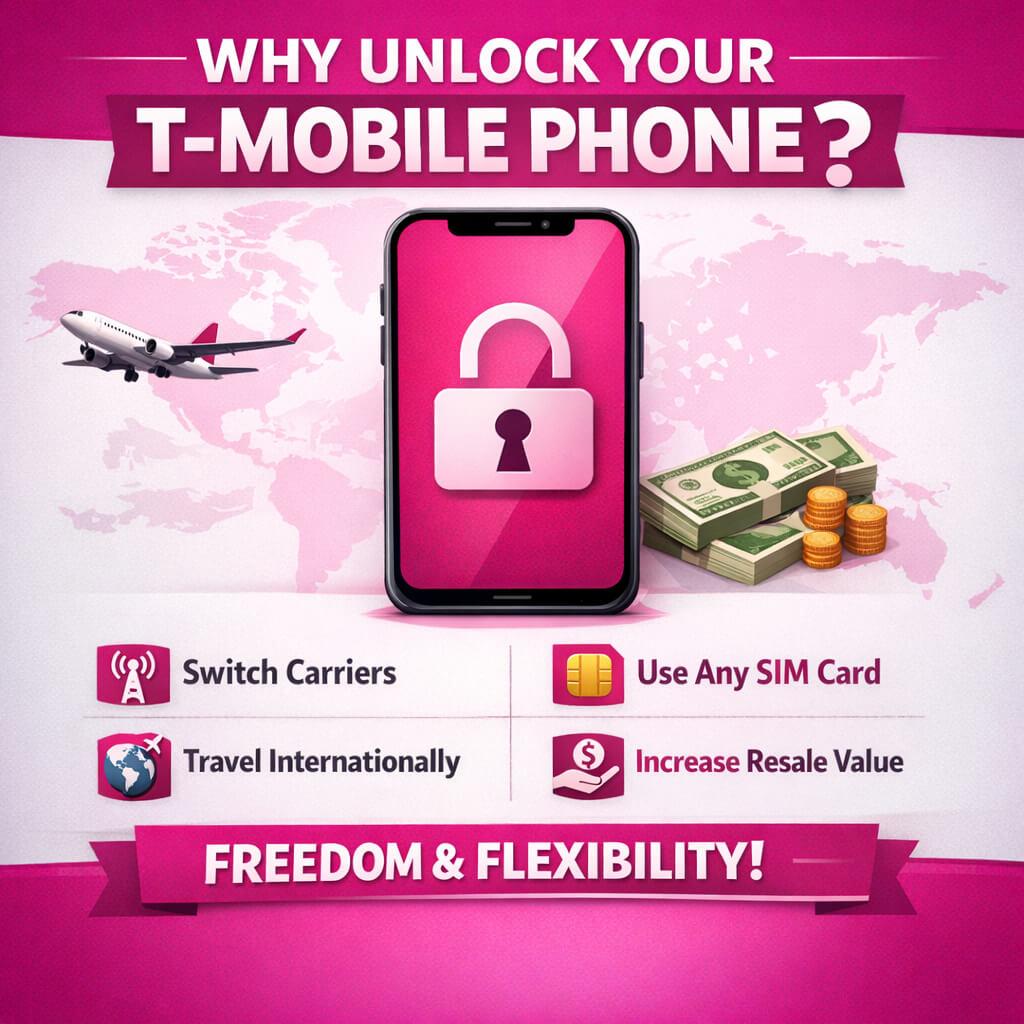
There are several reasons why people search for how to unlock a T-Mobile phone.
Switch to Another Carrier
Many users unlock their phones so they can move to another network offering:
- Lower monthly bills
- Better coverage
- Faster internet
- Family plans
- Business plans
Save Money While Traveling
International roaming charges can become expensive.
Instead of paying roaming fees, you can purchase a local SIM card after arriving in another country.
This often saves hundreds of dollars during long trips.
Increase Resale Value
Unlocked phones generally sell for more money because buyers can use them with different carriers.
Many second-hand marketplaces show that unlocked devices receive more interest than locked phones.
More Freedom
Once unlocked, you can:
- Change carriers anytime
- Use prepaid SIM cards
- Test different mobile networks
- Keep your favorite phone longer
T-Mobile Unlock Eligibility Requirements
Before learning how to unlock a T-Mobile phone, you must ensure your device qualifies.
Generally, T-Mobile requires the following:
Your Device Must Be a T-Mobile Device
The phone must have originally been sold by T-Mobile.
The Device Must Not Be Reported Lost or Stolen
Phones reported as lost, stolen, or blocked cannot usually be unlocked.
Your Account Must Be in Good Standing
If you’re the original owner, your account should generally have no outstanding issues.
Payment Requirements
If the device was purchased through financing, it usually needs to be fully paid off before becoming eligible for unlocking.
Usage Requirements
For many postpaid devices, T-Mobile also requires a minimum period of active service before approving an unlock request.
Always check the latest eligibility rules on T-Mobile’s official website because requirements can change over time.
How to Unlock a T-Mobile Phone on Android
Many Android devices sold by T-Mobile include a built-in unlock option.
Follow these steps:
Step 1
Connect to Wi-Fi or mobile data.
Step 2
Open Settings.
Step 3
Navigate to:
Settings → Network & Internet → SIM → Network Unlock
(Some manufacturers use different menu names.)
Step 4
Tap Permanent Unlock if available.
Step 5
Wait while the phone communicates with T-Mobile’s servers.
Step 6
Restart the phone.
If successful, your device is now unlocked.
How to Unlock a T-Mobile iPhone
Apple handles carrier unlocks differently.
Once T-Mobile approves the unlock request:
- Connect your iPhone to Wi-Fi.
- Back up your device.
- Restart the iPhone.
- Insert another carrier’s SIM card.
If necessary:
- Go to Settings
- General
- Transfer or Reset iPhone
- Reset Network Settings
After activation, the iPhone should recognize the new carrier automatically.
How to Check If Your T-Mobile Phone Is Already Unlocked
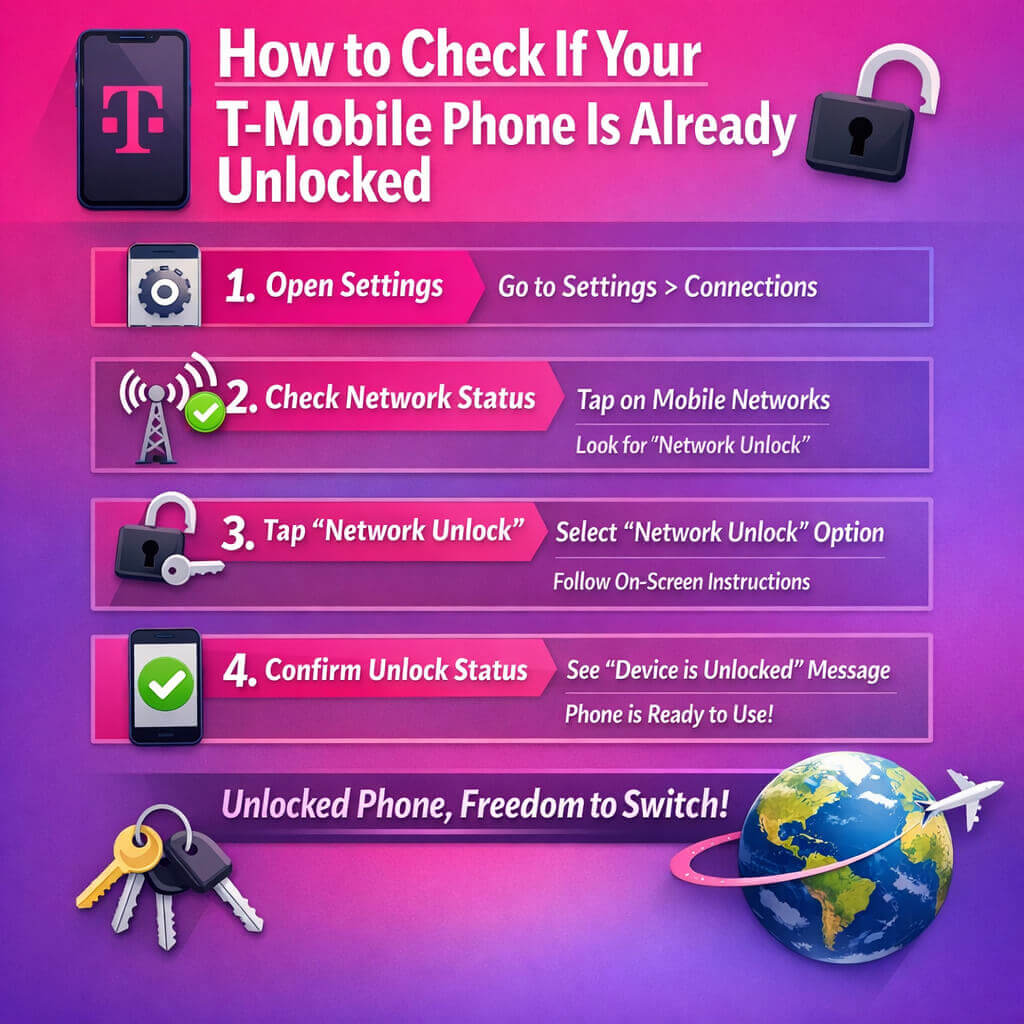
Not sure whether your device is unlocked?
Try one of these methods.
Insert Another Carrier SIM Card
Power off your phone.
Insert a SIM from another compatible carrier.
Restart the device.
If it connects successfully, your phone is already unlocked.
Check Settings
Some Android phones display the network lock status in the device settings.
Contact Customer Support
If you’re uncertain, T-Mobile customer support can verify your phone’s unlock status using its IMEI number.
Common Reasons an Unlock Request Is Denied
Sometimes an unlock request is rejected. Common reasons include:
- The device is still under financing
- Minimum service period has not been met
- The phone is reported lost or stolen
- IMEI is blocked
- Account has unresolved issues