
Introduction
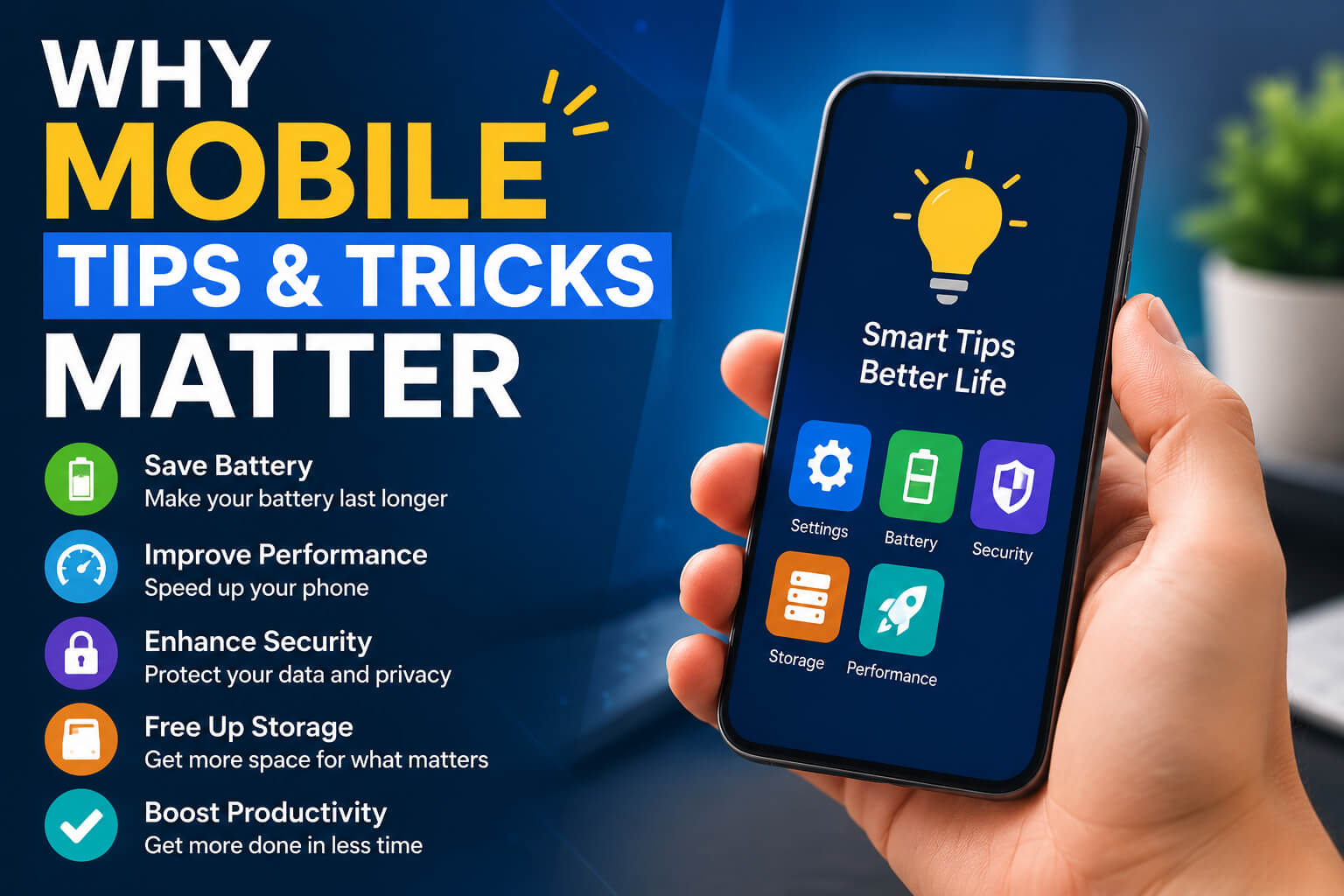
Smartphones have become an essential part of everyday life. Whether you use your phone for work, school, entertainment, or staying connected with family and friends, knowing the right mobile tips & tricks can make a huge difference. Small changes in your settings and habits can improve battery life, boost performance, protect your privacy, and help you get more done.
This guide covers practical, easy-to-follow smartphone tips for both Android and iPhone users. From hidden features to security advice, you’ll discover ways to use your device smarter in 2026 and beyond.
Mobile tips & tricks help you improve your smartphone’s speed, battery life, security, storage, camera performance, and productivity. By adjusting settings, managing apps, and using built-in features, you can make your phone faster, safer, and more efficient without installing unnecessary software.
Why Mobile Tips & Tricks Matter
Many people only use a small percentage of their smartphone’s capabilities. Learning useful tricks allows you to:
- Increase battery life
- Improve phone speed
- Free up storage space
- Take better photos
- Protect personal information
- Reduce mobile data usage
- Stay organized
- Improve productivity
Even spending just a few minutes optimizing your phone can significantly improve your daily experience.
Improve Smartphone Performance
Restart Your Phone Weekly
Many users rarely restart their devices.
Restarting:
- Clears temporary memory
- Stops background processes
- Refreshes the operating system
- Improves overall responsiveness
A weekly restart keeps your phone running smoothly.
Remove Unused Apps
Unused applications continue consuming:
- Storage
- RAM
- Battery
- Background data
Delete apps you no longer need.
Keep Software Updated
Software updates provide:
- Security improvements
- Bug fixes
- Performance enhancements
- New features
Always install official updates when available.
Clear App Cache
Apps collect temporary files over time.
Clearing cache helps:
- Free storage
- Improve loading speed
- Solve app crashes
- Reduce lag
Android users can clear cache individually through app settings.
Mobile Battery Saving Tips
Lower Screen Brightness
The display consumes the most battery.
Reduce brightness or enable:
- Adaptive Brightness
- Auto Brightness
- Dark Mode
Turn Off Unused Features
Disable features you’re not actively using:
- Bluetooth
- GPS
- NFC
- Mobile hotspot
- Wi-Fi scanning
This extends battery life significantly.
Enable Battery Saver Mode
Battery Saver reduces:
- Background activity
- Visual effects
- App syncing
- CPU usage
Perfect when the battery is running low.
Close Battery-Hungry Apps
Check battery usage regularly.
Social media, navigation, and gaming apps often consume the most power.
Speed Up Your Phone
Keep Storage Below 80%
Nearly full storage slows smartphones.
Delete:
- Old videos
- Duplicate photos
- Downloads
- Large unused files
Disable Background Apps
Many apps continue running after being closed.
Restrict unnecessary background activity.
Reduce Animations
Both Android and iPhone include interface animations.
Reducing them makes navigation feel faster.
Mobile Security Tips
Use Strong Screen Lock
Choose:
- Fingerprint
- Face Unlock
- Strong PIN
- Complex password
Avoid simple patterns.
Enable Two-Factor Authentication
2FA protects important accounts like:
- Banking
- Social media
- Cloud storage
Even if your password is stolen, attackers cannot easily log in.
Download Apps Only from Official Stores
Avoid unknown APK files.
Install apps from:
- Google Play Store
- Apple App Store
This reduces malware risks.
Review App Permissions
Many apps request access to:
- Camera
- Contacts
- Location
- Microphone
- Photos
Grant only necessary permissions.
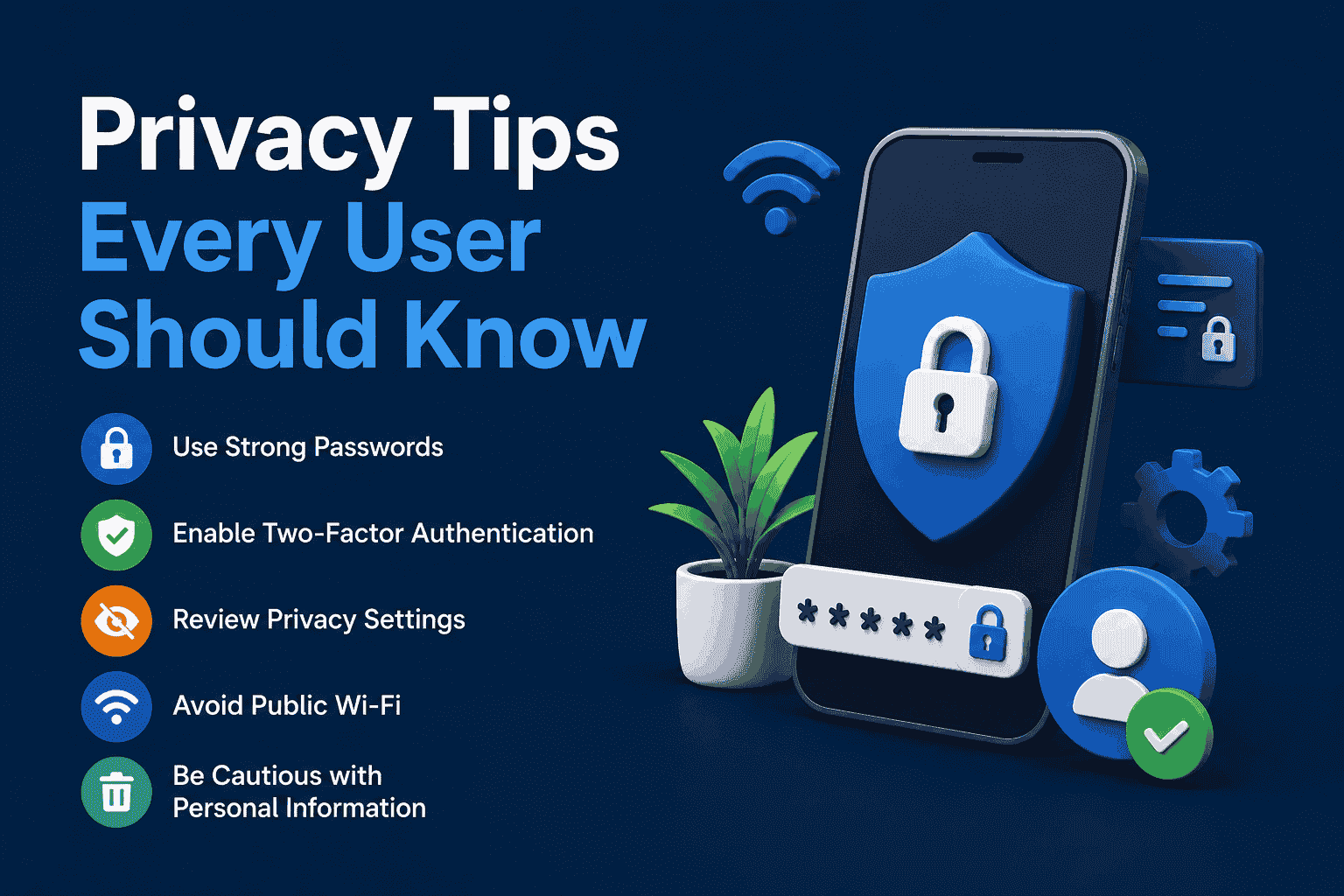
Privacy Tips Every User Should Know
Disable Unnecessary Location Access
Instead of “Always Allow,” choose:
- While using the app
- Ask Every Time
This protects your privacy.
Limit Personalized Ads
Both Android and iPhone offer settings to reduce ad tracking.
Review your privacy settings regularly.
Lock Sensitive Apps
Many phones allow app locking using:
- Fingerprint
- Face recognition
- PIN
Use this for banking and messaging apps.
Better Camera Tips
Clean the Camera Lens
A dirty lens causes blurry photos.
Clean it gently using a microfiber cloth.
Use Grid Lines
Grid lines help improve:
- Composition
- Horizon alignment
- Subject placement
Tap to Focus
Instead of relying on automatic focus, tap your subject before taking photos.
Use Night Mode
Night Mode improves:
- Low-light photography
- Detail
- Color accuracy
- Noise reduction
Mobile Storage Tips
Delete Duplicate Photos
Duplicate images waste valuable storage.
Many gallery apps now identify duplicates automatically.
Use Cloud Backup
Cloud services protect your data while freeing device storage.
Backup:
- Photos
- Videos
- Contacts
- Documents
Empty the Trash Folder
Deleted files often remain in the recycle bin for several days.
Empty it manually to recover storage.
Mobile Data Saving Tricks
Enable Data Saver
Data Saver limits background internet usage.
Useful when traveling or using limited data plans.
Download Offline Content
Save:
- Maps
- Music
- Videos
- Documents
Offline access reduces mobile data usage.
Restrict Background Data
Some apps constantly sync data.
Disable background data for apps you rarely use.
Productivity Tips
Use Widgets
Widgets provide quick access to:
- Weather
- Calendar
- Notes
- Tasks
Without opening apps.
Enable Focus Mode
Focus Mode reduces distractions by temporarily blocking selected apps.
Ideal for:
- Work
- Study
- Reading
Use Voice Commands
Voice assistants can:
- Set reminders
- Send messages
- Open apps
- Make calls
- Create calendar events
Saving valuable time.
Hidden Smartphone Features
Quick Screenshot Tools
Many phones allow:
- Three-finger screenshot
- Palm swipe
- Double-tap shortcuts
Learn your phone’s gesture controls.
Split Screen Multitasking
Use two apps simultaneously.
Examples:
- Watch YouTube while taking notes
- Browse the web while chatting
- Compare documents
One-Handed Mode
Large phones become easier to use with one-handed mode.
Perfect for users with bigger displays.
Digital Wellbeing
Monitor:
- Screen time
- App usage
- Notifications
- Sleep schedules
Build healthier smartphone habits.
Useful Mobile Tips for Travelers
Download Offline Maps
Offline navigation works without mobile data.
Great for international travel.
Save Boarding Passes
Store airline tickets in your wallet app for quick access.
Carry a Power Bank
A reliable power bank prevents battery emergencies during long trips.
Mobile Maintenance Tips
Clean Charging Port
Dust may prevent proper charging.
Use appropriate cleaning tools carefully.
Protect Your Phone
Use:
- Tempered glass
- Protective case
- Camera protector
These reduce accidental damage.
Avoid Extreme Temperatures
Very hot or cold environments can reduce battery lifespan.
Avoid leaving your phone in direct sunlight.
Common Mobile Mistakes to Avoid
Many users unknowingly reduce their phone’s performance by making simple mistakes.
Avoid these habits:
- Installing too many apps
- Ignoring software updates
- Charging with poor-quality accessories
- Leaving storage full
- Clicking suspicious links
- Reusing weak passwords
- Never restarting the device
- Granting unnecessary app permissions
Correcting these habits helps your smartphone stay secure and responsive.
Best Mobile Tips for Students
Students can make their smartphones more useful by:
- Using digital note-taking apps
- Organizing assignments with calendars
- Recording lectures when permitted
- Scanning documents using the camera
- Setting study reminders
- Enabling Focus Mode during classes
These simple habits improve productivity without additional hardware.
Mobile Tips for Professionals
Professionals benefit from:
Organize Work Apps
Keep work-related apps in a dedicated folder for quick access.
Enable Automatic Backups
Regular backups ensure important files remain safe.
Use Password Managers
Password managers help generate and securely store strong passwords.
Customize Notifications
Prioritize alerts from email, messaging, and productivity apps while silencing unnecessary interruptions.
The Future of Mobile Tips & Tricks
Smartphones continue to evolve with:
- AI-powered assistants
- Smarter battery optimization
- Enhanced privacy controls
- Satellite connectivity
- Improved camera technology
- Better voice recognition
- More powerful multitasking tools
Learning new tips as features evolve will help users get the most from their devices.
Frequently Asked Questions
What are the best mobile tips & tricks for beginners?
Start by updating your phone, removing unused apps, enabling automatic backups, using Battery Saver, and learning basic security settings.
How can I make my phone faster?
Free storage space, restart your device regularly, update software, clear app cache, and reduce background activity.
How do I improve battery life?
Lower screen brightness, enable Battery Saver, disable unused wireless features, and limit background apps.
Are third-party phone cleaner apps necessary?
In most cases, no. Android and iPhone already include built-in tools for storage management and optimization.
How often should I restart my smartphone?
Restarting once a week helps clear temporary memory and improve performance.
What is the safest way to install apps?
Download apps only from official stores such as Google Play Store and Apple’s App Store.
How can I protect my personal data?
Use a strong screen lock, enable two-factor authentication, review app permissions, and avoid suspicious downloads.
Why is my phone running slowly?
Common causes include low storage, too many background apps, outdated software, or aging hardware.
Conclusion
Learning useful mobile tips & tricks is one of the easiest ways to improve your smartphone experience. From boosting battery life and increasing speed to protecting your personal information and improving productivity, these practical techniques help you get more value from your device every day. Whether you’re an Android or iPhone user, applying these simple strategies will keep your smartphone running efficiently, securely, and ready for whatever you need.