
Introduction
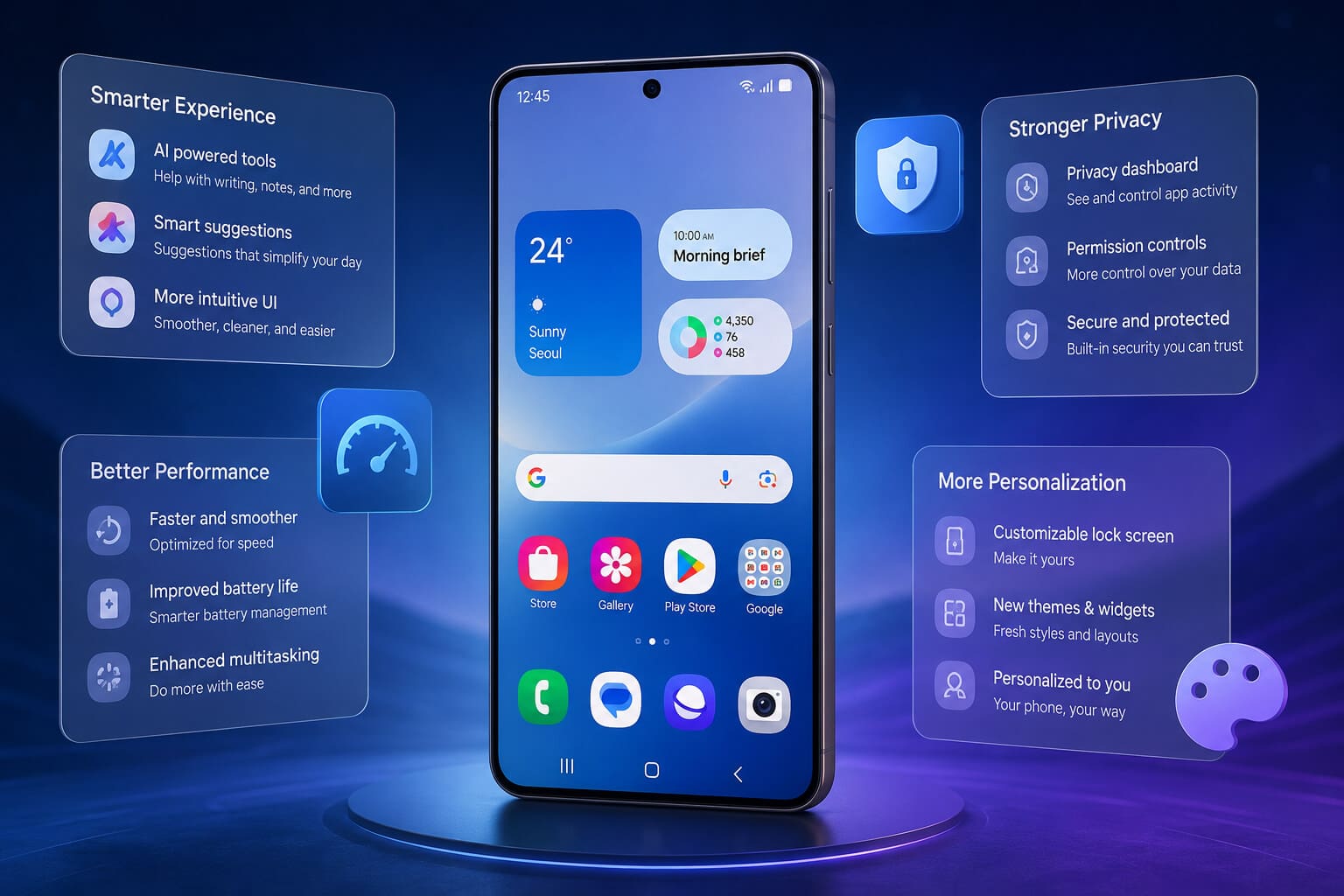
Samsung continues to improve the Galaxy experience with every major One UI release, and Samsung One UI 9 Features introduce smarter AI, better customization, stronger privacy, smoother performance, and an even more user-friendly interface. Built on the latest Android platform, One UI 9 focuses on making everyday tasks faster while giving users greater control over their devices.
Whether you own a flagship Galaxy S series phone, a Galaxy Z Fold, Flip, or a mid-range Galaxy A device, this update delivers meaningful improvements that enhance productivity, entertainment, and security.
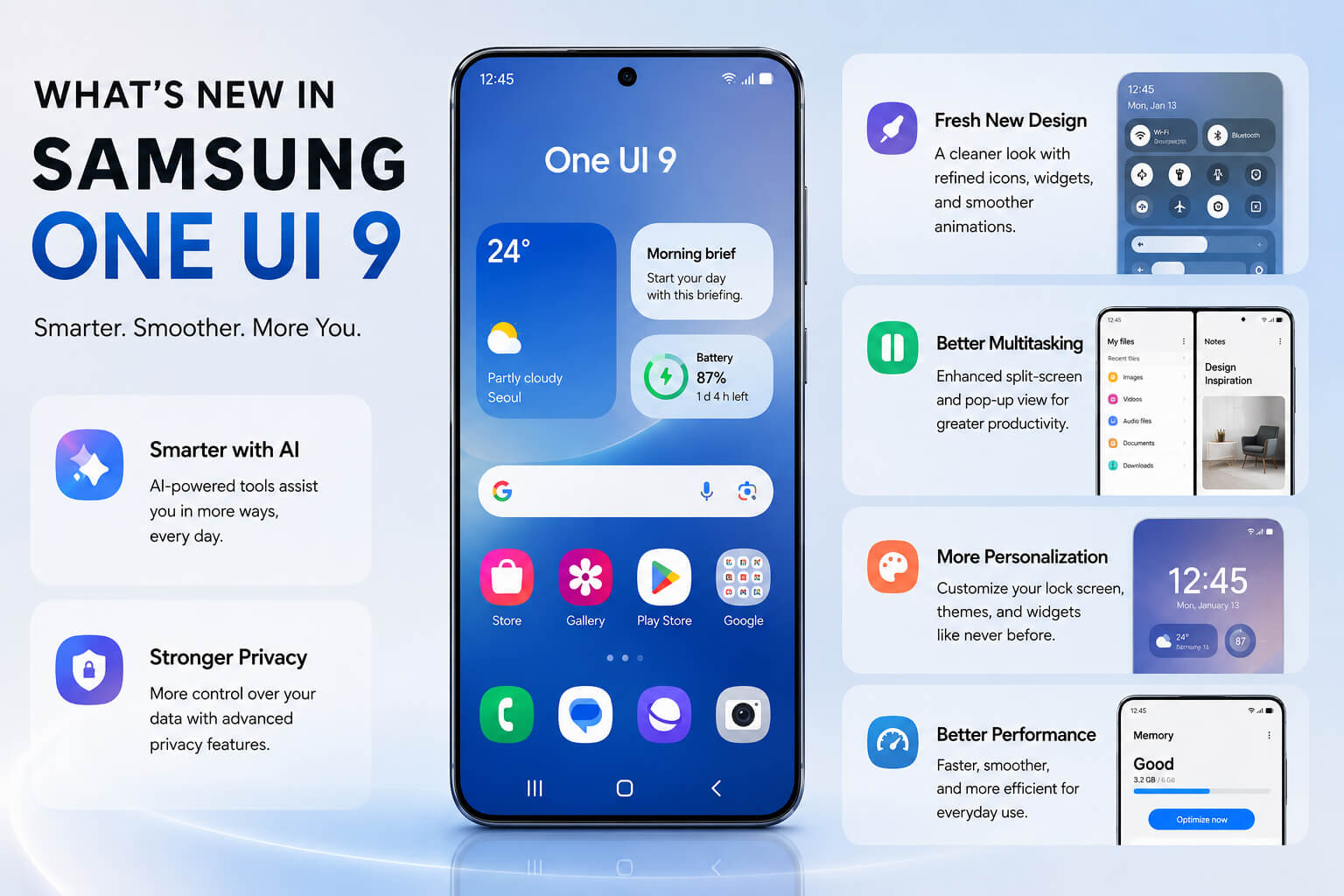
Samsung One UI 9 features include a redesigned interface, improved Galaxy AI tools, enhanced multitasking, stronger privacy controls, smarter battery optimization, upgraded camera features, better lock screen customization, smoother animations, and improved ecosystem integration across Samsung devices.
Why Samsung One UI 9 Matters
Samsung has consistently refined One UI to make Android easier to use with one hand while adding exclusive Galaxy features.
One UI 9 builds on this philosophy by introducing:
- Faster system performance
- More intelligent AI assistance
- Better battery efficiency
- Improved security
- Advanced personalization
- Enhanced productivity tools
- Smoother animations
- Better connectivity between Galaxy devices
Instead of changing everything, Samsung focuses on polishing the experience users already enjoy.
What’s New in Samsung One UI 9
Redesigned User Interface
One UI 9 introduces a cleaner and more modern design.
Visual improvements include:
- Refined icons
- Smoother animations
- Better typography
- Cleaner Quick Settings
- Improved notification layout
- Modern widgets
Everything feels more fluid while maintaining Samsung’s familiar look.
Smarter Galaxy AI Integration
Artificial intelligence plays a much bigger role in One UI 9.
New AI capabilities may include:
Writing Assistance
The keyboard can help:
- Rewrite text
- Improve grammar
- Summarize notes
- Generate messages
- Suggest replies
AI Image Editing
Users can remove objects, improve photos, expand backgrounds, and enhance image quality with fewer manual edits.
Smart Search
Searching your phone becomes more natural.
Instead of exact keywords, users can search using phrases like:
- “Photos from the beach”
- “Meeting notes from last month”
- “Screenshots about travel”
Better Lock Screen Customization
Samsung gives users even more ways to personalize their devices.
Customization options include:
- New clock styles
- Animated wallpapers
- Interactive widgets
- Dynamic themes
- Lock screen shortcuts
- Weather animations
Every Galaxy phone feels more personal.
Improved Quick Settings Panel
The Quick Panel becomes easier to use.
Enhancements include:
- Better layout
- Faster brightness controls
- More customizable shortcuts
- Smart device controls
- Improved Wi-Fi management
- Simplified Bluetooth settings
Frequently used controls are easier to reach.
Enhanced Privacy and Security
Privacy remains one of Samsung’s biggest priorities.
One UI 9 introduces stronger protections.
Privacy Dashboard
Users can easily monitor:
- Camera access
- Microphone permissions
- Location usage
- Background activity
Everything is displayed in one convenient dashboard.
Advanced Permission Controls
Apps receive only the permissions they truly need.
Users can:
- Grant temporary permissions
- Block background tracking
- Control notification access
- Review app behavior
Faster Performance
Samsung has optimized system performance across supported devices.
Benefits include:
- Faster app launching
- Reduced lag
- Improved scrolling
- Better multitasking
- Quicker boot times
Animations also appear smoother throughout the interface.
Better Battery Optimization
Battery management becomes smarter with AI-powered optimization.
Features include:
- Adaptive charging
- Background app optimization
- Intelligent sleep modes
- Battery health monitoring
- Power-saving automation
These improvements help extend battery life during everyday use.
Advanced Camera Improvements
Samsung continues enhancing its camera software.
AI Photography
AI helps improve:
- Portrait photos
- Night photography
- Zoom quality
- HDR processing
- Color accuracy
Photos require less manual editing after capture.
Video Recording Enhancements
Video improvements may include:
- Better stabilization
- Improved low-light recording
- Enhanced audio capture
- AI scene optimization
- Higher efficiency codecs
Creators benefit from from Samsung One UI 9 features, including more professional-looking footage.
Better Multitasking
Multitasking remains one of Samsung’s strongest advantages.
One UI 9 improves:
- Split-screen mode
- Floating windows
- App switching
- Drag-and-drop support
- Taskbar performance (Fold devices)
Power users can work faster than ever.
Improved Samsung DeX Experience
Samsung DeX becomes even more desktop-like.
New improvements include:
- Faster window resizing
- Better external monitor support
- Improved keyboard shortcuts
- Enhanced file management
- Better multitasking
This makes Galaxy phones increasingly capable as portable workstations.
Smarter Widgets
Widgets become more interactive.
Users can:
- Perform actions directly
- View live information
- Access AI suggestions
- Stack widgets intelligently
- Resize widgets more easily
The home screen becomes more useful without opening apps.
Better Notification Management
Notifications become easier to organize.
New options include:
- AI prioritization
- Grouped conversations
- Silent suggestions
- Smart reminders
- Improved notification history
Important alerts are less likely to be missed.
Samsung Ecosystem Improvements
Galaxy devices work together more seamlessly.
Connected devices include:
- Galaxy Watch
- Galaxy Buds
- Galaxy Tab
- Galaxy Book
- SmartThings devices
Users enjoy faster pairing, smoother file transfers, and improved cross-device continuity.
Accessibility Improvements
Samsung continues improving accessibility for all users.
New features include:
- Better voice controls
- Larger text options
- Improved magnification
- Enhanced color correction
- Smarter screen reader functionality
- Easier gesture customization
These updates make Galaxy devices more inclusive.
Gaming Performance Enhancements
Gamers also benefit from One UI 9.
Gaming improvements include:
- Better Game Booster
- Reduced overheating
- Improved frame stability
- Faster loading
- Lower background resource usage
- Enhanced touch responsiveness
These optimizations help deliver a smoother gaming experience.
File Management Improvements
Samsung’s My Files app becomes more capable.
New tools include:
- Faster search
- Better cloud integration
- AI file suggestions
- Duplicate file detection
- Improved storage analysis
Managing large amounts of data becomes easier.
Supported Samsung Devices
While the official rollout varies by region and model, One UI 9 is expected to support many recent Galaxy devices, including:
- Galaxy S series
- Galaxy Z Fold series
- Galaxy Z Flip series
- Galaxy A series (selected models)
- Galaxy Tab series
Availability depends on your device model, carrier, and country.
Tips to Get the Most from One UI 9
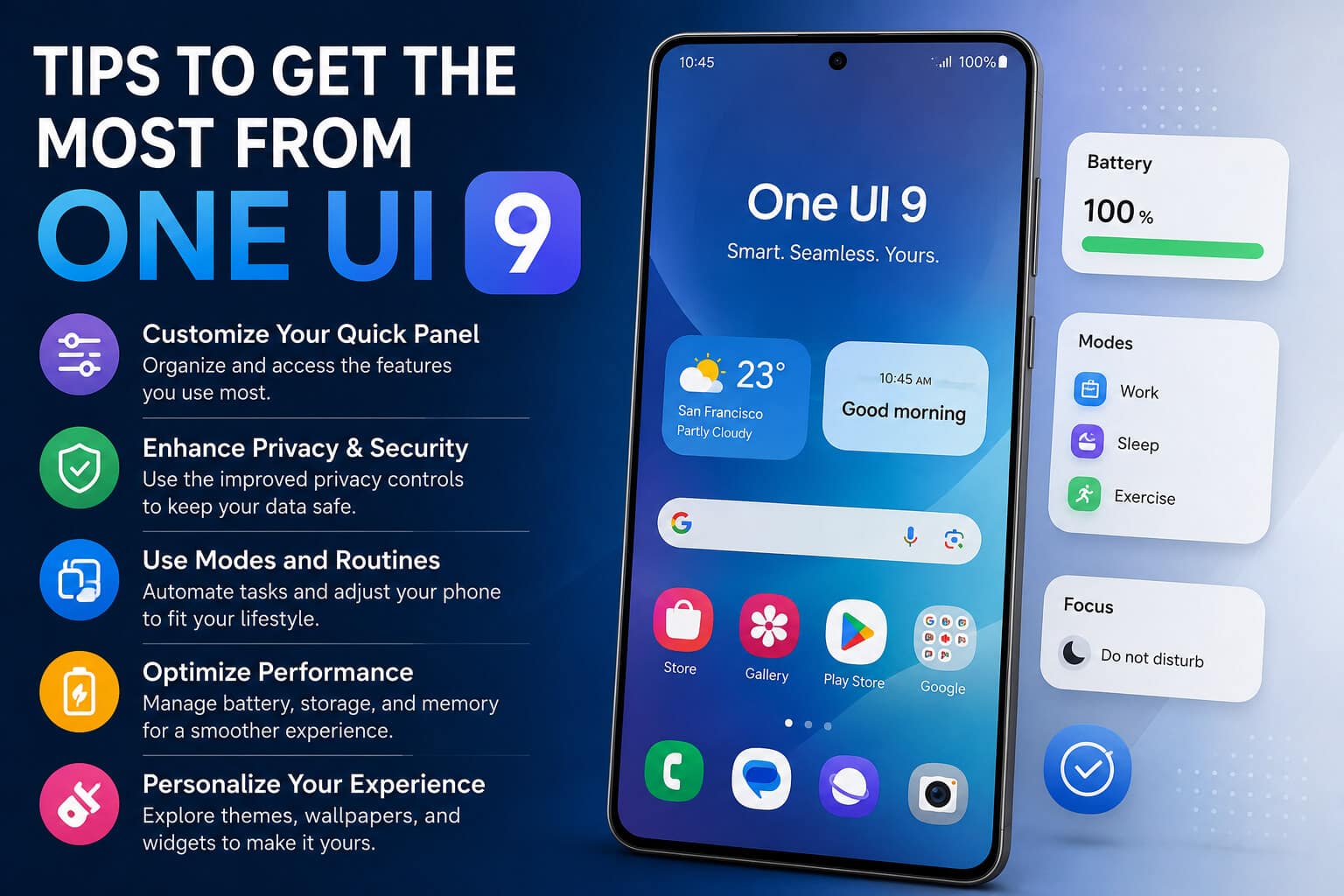
After updating:
- Review privacy settings.
- Explore Galaxy AI tools.
- Customize the lock screen.
- Optimize battery settings.
- Update Samsung apps.
- Enable cloud backup.
- Organize widgets.
- Try Samsung DeX if supported.
These simple steps help you enjoy the latest features immediately.
Advantages of Samsung One UI 9
- Modern interface
- Improved AI features
- Better battery efficiency
- Enhanced security
- Faster performance
- Better multitasking
- More customization
- Strong Galaxy ecosystem integration
- Improved accessibility
- Enhanced camera experience
Potential Drawbacks
Like any major update, there are a few considerations:
- Older devices may not receive every feature.
- Some AI tools may require internet access.
- Large updates can temporarily increase battery usage while the system optimizes.
- Feature availability may differ by region or device.
Frequently Asked Questions
What are the biggest Samsung One UI 9 features?
The highlights include Galaxy AI enhancements, a redesigned interface, improved privacy controls, smarter battery management, advanced camera tools, better multitasking, and expanded customization options.
Is Samsung One UI 9 based on Android?
Yes. One UI 9 is built on the latest version of Android while adding Samsung-exclusive features and optimizations.
Which Samsung phones will receive One UI 9?
Many recent Galaxy S, Galaxy Z, Galaxy A, and Galaxy Tab models are expected to be eligible, though availability depends on the specific device and region.
Does One UI 9 improve battery life?
Yes. Adaptive battery optimization, AI-powered resource management, and smarter background app controls help improve efficiency.
Are there new AI features in One UI 9?
Yes. Galaxy AI expands writing assistance, image editing, smart search, productivity tools, and personalized recommendations.
Can I customize the lock screen more in One UI 9?
Absolutely. Users gain access to more clock styles, widgets, wallpapers, animations, and shortcut options.
Is One UI 9 good for gaming?
Yes. Samsung has optimized Game Booster, improved thermal management, and reduced background resource usage for smoother gameplay.
Should I update to Samsung One UI 9?
If your device is supported, updating is generally worthwhile for the latest security patches, performance improvements, AI features, and customization options.
Conclusion
Samsung One UI 9 Features represent another major step forward for Galaxy users by combining intelligent AI capabilities with meaningful everyday improvements. Rather than making dramatic design changes, Samsung focuses on refining the overall experience through smoother performance, stronger privacy, better personalization, enhanced productivity, and deeper ecosystem integration.
Whether you’re a casual smartphone user, a mobile photographer, a gamer, or a professional who relies on Samsung DeX, One UI 9 offers practical upgrades that make your Galaxy device more capable, efficient, and enjoyable to use. As the rollout expands to more supported devices, users can expect one of Samsung’s most polished software experiences yet. Samsung One UI 9 Features Samsung One UI 9 Features